1
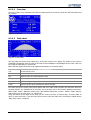
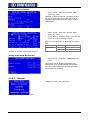
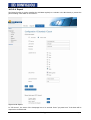
Choose language
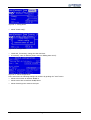
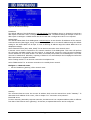
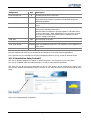
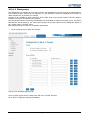
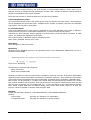
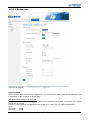
The language of the RPSlog1000 can be changed.
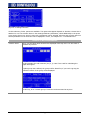
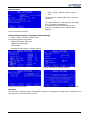
Date / time
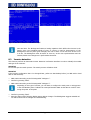
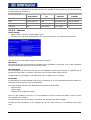
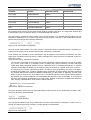
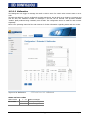
The RPSlog1000 features a real time clock which continues the time for a period of 100 days even in the
case of a power failure or if the unit is disconnected from power supply. If the unit is connected to the Internet, the time will be set daily. For this reason, you don't have to set the time manually. In "New", the
date and time can be corrected.
Example: For 28 February 2007 17:31 enter:
28.02.07 17:31:00
Changeover to daylight-saving time is done automatically.
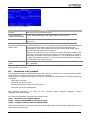
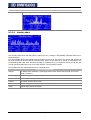
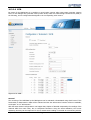
Additional login for configuration
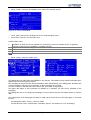
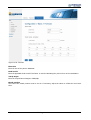
In order to protect the configuration area, a password protection can be setup. This password will be
needed when accessing the configuration for the first time. After entering the password, the RPSlog1000
allows access and changes to the configuration. Five minutes after the last access to the configuration, access will be disabled again.
To change the password, the old password must be entered again for security reasons. When delivered and
after resetting to factory default, the password is not stored, so you don't have to enter anything at the "old
password" dialogue.
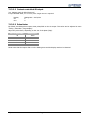
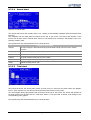
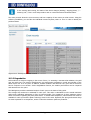
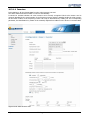
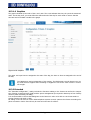
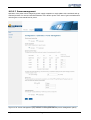
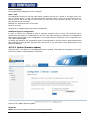
10.3.3.3 Update (firmware update)
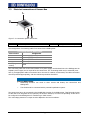
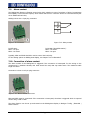
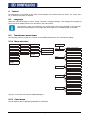
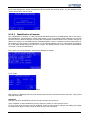
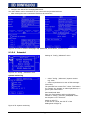
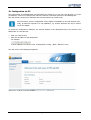
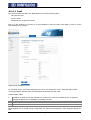
Using this menu, the firmware of the RPSlog1000 can be updated. This enables an integration of new functions in the system or implementation of bug fixes.
Figure 10-35: Update (firmware update)
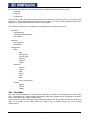
Attention!
Before any firmware updates, backup the system and yield data.
112
RPSlog1000
08/10