1
434 •
Chapter 19 Troubleshooting and Usage Suggestions
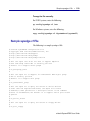
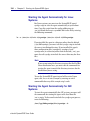
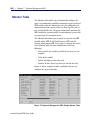
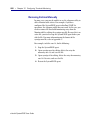
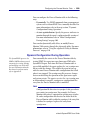
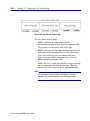
To update the SystemEDGE agent's monitor
configuration file:
1.
Open a command prompt.
2.
Stop the agent.
• On Windows, enter the following:
net stop sysedge
• On Solaris, enter the following when you are logged in
as root:
/etc/rc2.d/S99sysedge stop
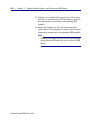
NOTE
NOTE
For other UNIX operating systems, enter the path and
name for your SystemEDGE startup script. For a list of
startup script names, refer to “SystemEDGE Directories
and Files for UNIX Systems” on page 90.
3.
Use a text editor to update sysedge.mon.
4.
Restart the agent.
• On Windows, enter the following:
net start sysedge
• On Solaris, enter the following when you are logged in
as root:
/etc/rc2.d/S99sysedge start
NOTE
NOTE
For other UNIX operating systems, enter the path and
name for your SystemEDGE startup script. For a list of
startup script names, refer to “SystemEDGE Directories
and Files for UNIX Systems” on page 90.
eHealth SystemEDGE User Guide