1
System Setup
E-Detective System default IP is 192.168.1.60, default Gateway is
192.168.1.1. If you would like to change the IP, there are two ways to change.
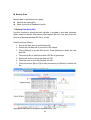
Locally Login
Note: Change/Set IP locally is done by connecting a Monitor and Keyboard to
the E-Detective system.
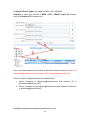
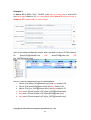
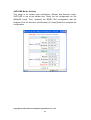
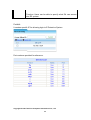
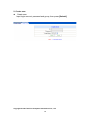
User can login locally using username: root and password: 111111 to
configure SetIP configuration as follow:
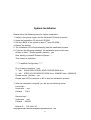
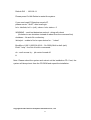
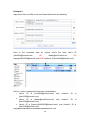
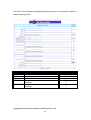
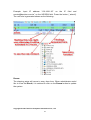
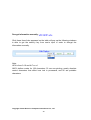
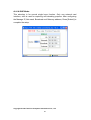
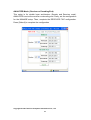
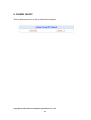
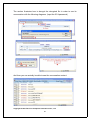
On screen will show the following message (IP, Network, Broadcast,
Gateway), identify where the information is correct, if so enter “Yes” to
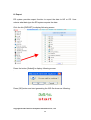
complete the IP setup. The following message will then be shown:
Copyright © 2007 Decision Computer International Co., Ltd
10