1
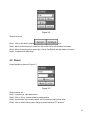
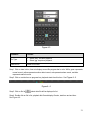
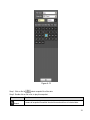
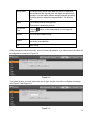
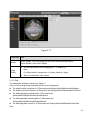
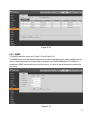
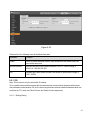
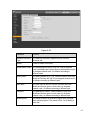
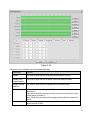
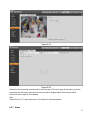
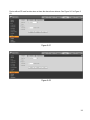
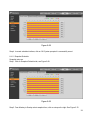
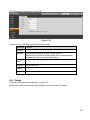
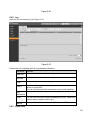
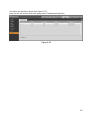
Figure 5-46
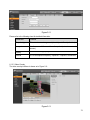
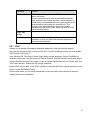
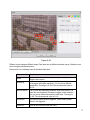
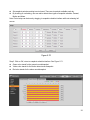
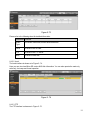
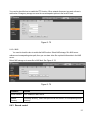
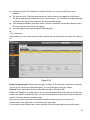
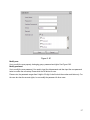
Different colors represent different areas. Each area can set different detection zones. Detection zone
can be irregular and discontinuous.
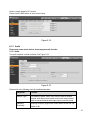
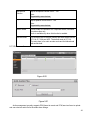
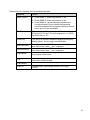
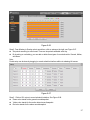
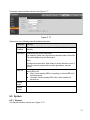
Please refer to the following sheet for detailed information.
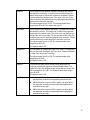
Parameter
Function
Name
Default area name includes Region1, Region2, Region3,
Region4 and custom.
It is sensitivity of brightness as motion detection is more possible
to be trigger with higher sensitivity. You can set up different
sensitivities. The range is 0~100. The recommenced value is
30~70.
Sensitivity
Area threshold
It is to check the relationship between object and its area. The
lower the area threshold, the easier to trigger motion detection.
You can set up different threshold for each area. The range is
0~100. The recommenced value is 0~10.
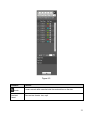
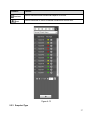
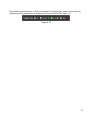
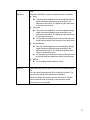
Waveform
Red means motion detect is triggered. Green means motion
detect is not triggered.
Delete all
Clear all the detection areas with color.
72