1
Pragometal s.r.o.
WMS STANDARD Schneider
In all groups of parameters, the control is identical and it is described below.
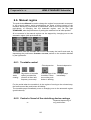
Parameter selection
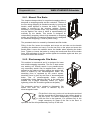
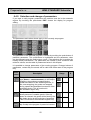
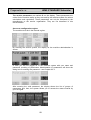
Changing over between the parameters is performed using the push-buttons with
the symbols of Arrow upward and Arrow downward. By touching the parameter
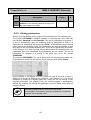
value, it can be changed – the keyboard corresponding to the variable type is
shown:
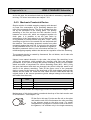
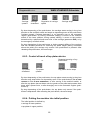
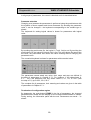
The keyboard for setting logical values is shown for parameters with logical
value.
By touching the push-button On, the logical 1 (Truth, Yes) is set. By touching the
push-button Off, the logical 0 (Untruth, No) is set. The push-button Ent stores the
set value; the push-button Esc leaves the value entering without changing the
parameter value.
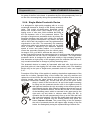
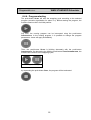
The numerical keyboard is shown for parameters with numerical value.
The parameters cannot attain any value; their range and step are defined in
the table of parameters in Chapter 6.7.1. For instance, if the table shows 0,
0.1,…, 25.5, the parameter can only attain values 0, 0.1, 0.2, 0.3 etc. (with
the step of 0.1) up to 25.3, 25.4, 25.5.
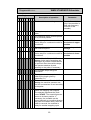
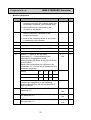
The complete list of parameters, their meaning and values are given in the table
of parameters in Chapter 6.7.1.
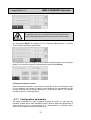
Termination of configuration regime
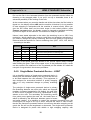
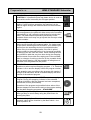
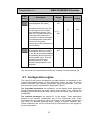
By depressing the push-button STORE in the list of parameters, the changed
parameters are stored and the display for the machine administration is shown.
During storing, the information panel with the text "Parameters are stored…" is
shown.
69