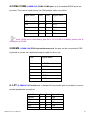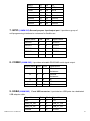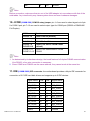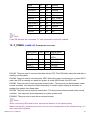
1
Disabled.
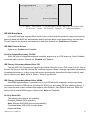
USB 2.0 Controller
This item allows you to enable or disable USB 2.0 feature of onboard USB controller. Options are:
Enabled and Disabled.
USB Keyboard Support
This item determines if USB keyboard is supported in MS DOS. Options are: Enabled and
Disabled.
USB Mouse Support
This item determines if USB mouse is supported in MS DOS. Options are: Enabled and Disabled.
Azalia/AC97 Audio Select
This item is used to select Audio mode.
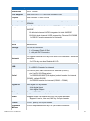
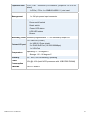
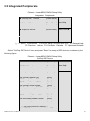
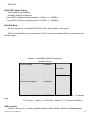
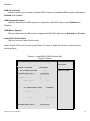
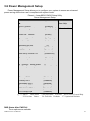
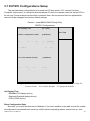
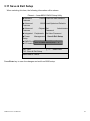
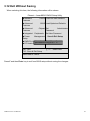
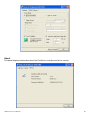
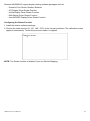
Select "Super IO Device" item and press "Enter" for setup of Super IO devices, as shown by the
following figure:
Phoenix – AwardBIOS CMOS Setup Utility
Super IO Device
Onboard Parallel Port
[378/IRQ7]
Item Help
Parallel Port Mode
[Standard]
X ECP Mode Use DMA
Menu Level►
3
Onboard Serial Port 1
[3F8/IRQ4]
Onboard Serial Port 2
[2F8/IRQ3]
UART2 Mode Select
[Normal]
X
RXD , TXD Active
Hi, Lo
X
IR Transmission Delay
Enabled
X
UART2 Duplex Mode
Half
X
Use IR Pins
IR-Rx2Tx2
Onboard Serial Port 3
AHM-6xx7A User Manual
[3E8/IRQ4]
50