1
3 User Interface
page 40/251
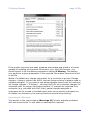
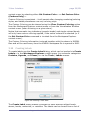
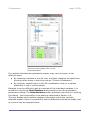
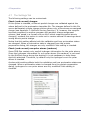
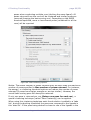
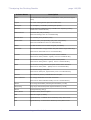
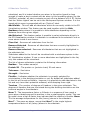
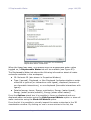
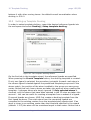
standard templates or constructed from a list of available variables (using the
Advanced tab).
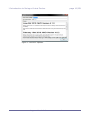
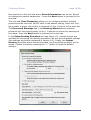
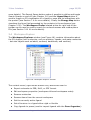
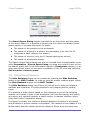
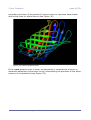
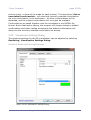
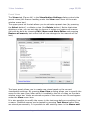
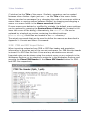
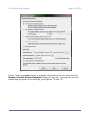
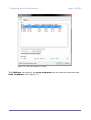
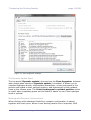
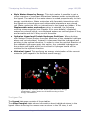
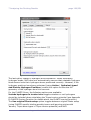
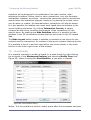
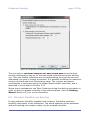
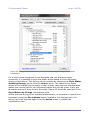
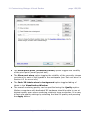
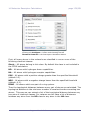
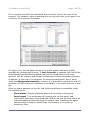
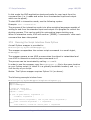
Figure 30:Advanced label expression dialog.
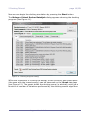
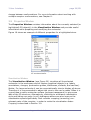
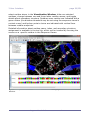
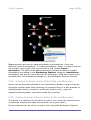
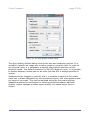
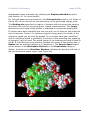
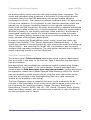
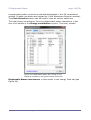
Labels will occur in the Labels category in the Workspace Explorer assigned in groups (one group for each molecule). Labels can be removed or
hidden using the context menu or by pressing the labels tool bar button.
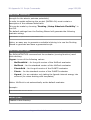
3.17 Creating Molecular Surfaces
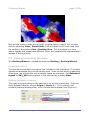
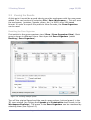
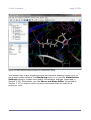
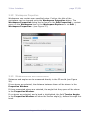
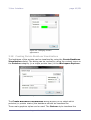
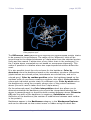
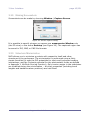
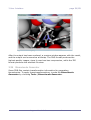
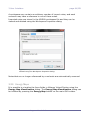
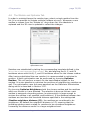
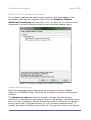
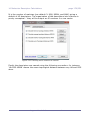
Surfaces can be created for all molecular objects via Create Surface... from
the context menu in the Workspace Explorer or via Tools | Surfaces.
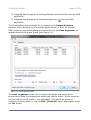
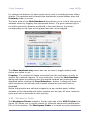
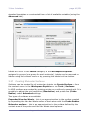
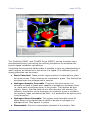
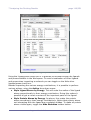
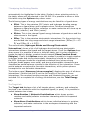
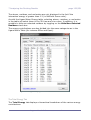
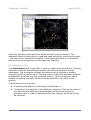
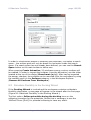
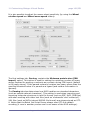
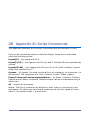
In MVD surfaces are created by probing points on a uniformly spaced grid. It is
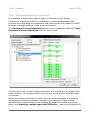
possible to adjust the grid resolution (Resolution) and probe size (Probe
Radius) under Advanced settings.
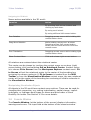
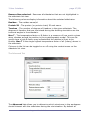
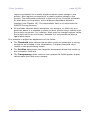
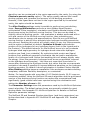
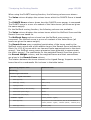
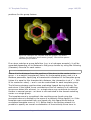
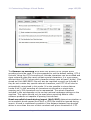
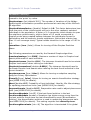
Two types of surfaces are available:
Expanded Van der Waals – this is an approximation to the surface created
by expanding the Van der Waals radius of each atom with the Probe Radius.
Molecular surface – this is an approximation to the surface defined by the
contact area of the probe and Van der Waals sized spheres.
molegro virtual docker – user manual