1
CHAPTER
EIGHT
SETTING YOUR PREFERENCES
As a user, you can manage your personal settings.
To access your personal settings:
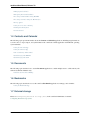
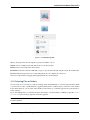
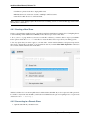
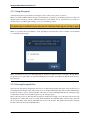
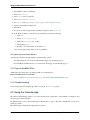
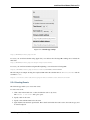
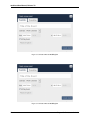
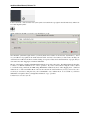
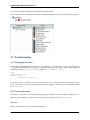
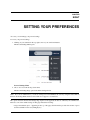
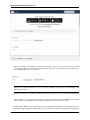
1. Clicking on your username in the top, right corner of your ownCloud instance.
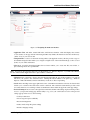
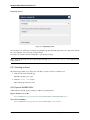
The Personal Settings Menu opens.
Personal Settings Menu
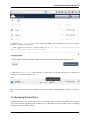
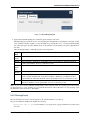
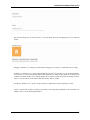
2. Choose Personal from the drop down menu.
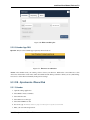
The Personal Settings Page opens in the main viewing window.
Note: If you are an administrator, you can also manage users and administer the server by using the related links in
the Personal Settings Menu. However, these links do not appear to a normal user.
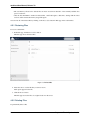
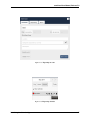
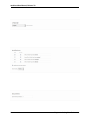
The options listed in the Personal Settings Page depend on the applications that are enabled by the administrator.
However, some of the default settings for this page include the following:
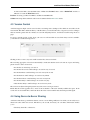
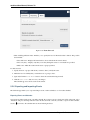
• Usage and available quota – Appearing at the top of the page, this information provides the amount of space
used and available for the user (in Megabytes).
65