1
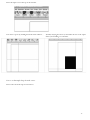
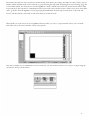
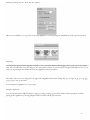
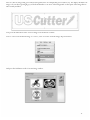
You are now left with 1 monochrome image and 1 vectorized image. This may be difficult to see as they are probably layered
directly on top of one another. If you grab one image and drag it you will see the other image left behind. You can now delete
the monochrome image that has been left behind as it is no longer needed.
The cutting process for a vectorized image is the same as it is for cutting a simple image. You can now follow the steps from the
“Making a Simple cut in SignBlazer” (page 26) section of this manual to make your cut.
- 34 -