1
Interface operating manual
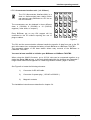
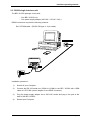
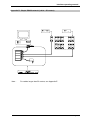
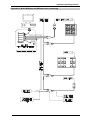
2.2 RS232 single interface unit.
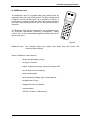
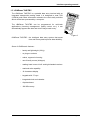
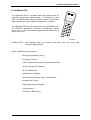
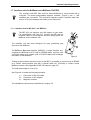
The BEI / ILS232 package comes with:
- One BEI / ILS232 unit
- One power supply adapter (230 VAC / 15 VAC / 3VA )
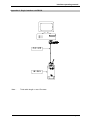
RS232 connection requires the following material:
Ref. CPC009 cable - (RS232, DB type 9 - 9 pin cable).
Power
supply
Installation procedure :
1)
Switch off your Computer.
2)
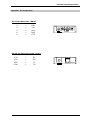
Connect the RS 232 serial port (COM1 to COM4) to the BEI / ILS232 with a DB9
cable ref. CPC 009 (use an adapter for the DB25 connector).
3)
Plug the power supply adapter into a 230 VAC socket and plug in the jack at the
back of the BEI / ILS232.
4)
Restart your Computer.
Page 21