1
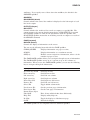
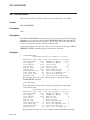
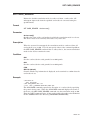
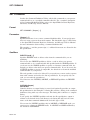
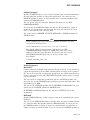
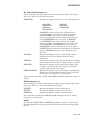
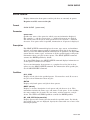
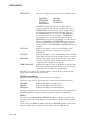
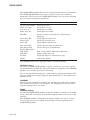
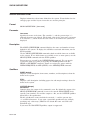
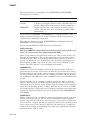
SEARCH
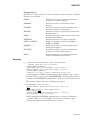
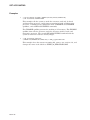
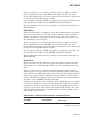
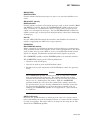
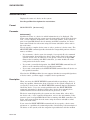
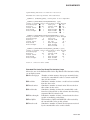
Examples
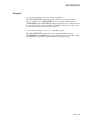
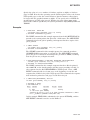
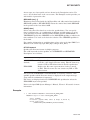
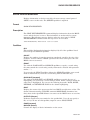
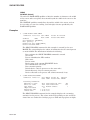
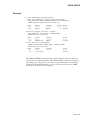
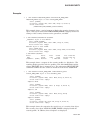
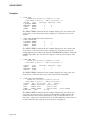
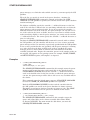
1.
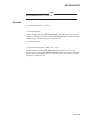
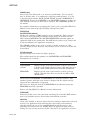
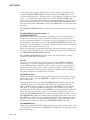
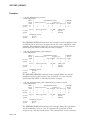
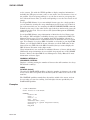
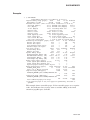
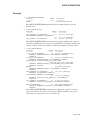
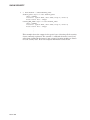
$ SEARCH CABLE.MEM,JOYNER.MEM "MANUAL TITLE"
This command searches the files CABLE.MEM and JOYNER.MEM for
occurrences of the character string MANUAL TITLE. Each line containing
the string is displayed at the terminal. It is necessary to enclose the string in
quotation marks because it contains a space character.
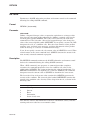
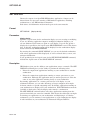
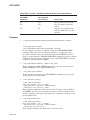
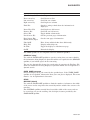
2.
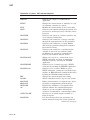
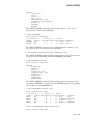
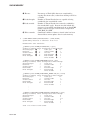
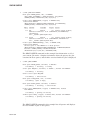
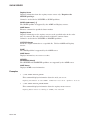
$ SEARCH/OUTPUT=RESULTS.DAT/WINDOW=9 DISLIST.MEM NAME
The SEARCH command searches the file DISLIST.MEM for occurrences of
the character string NAME and sends the output to the file RESULTS.DAT.
The four lines preceding and following each occurrence of NAME are included
in the output.
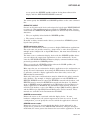
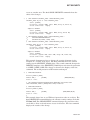
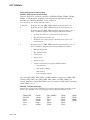
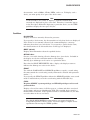
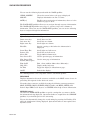
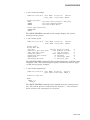
3.
$ SEARCH/OUTPUT=ALLSUB.COM/WINDOW=5000 *.COM SUBMIT
The SEARCH command searches all command files in the current directory
for the string SUBMIT. If a match is found, SEARCH effectively copies the
entire command file to the output file, because the window is so large.
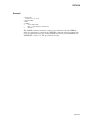
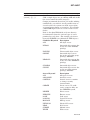
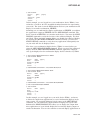
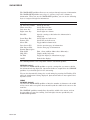
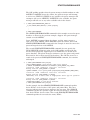
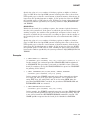
4.
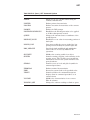
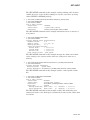
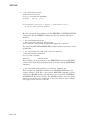
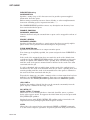
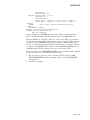
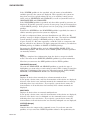
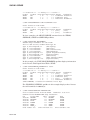
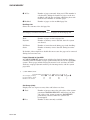
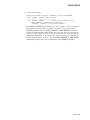
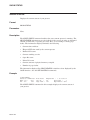
$ SEARCH/OUTPUT=COLUMBUS.OH/WINDOW=(3,0)/NOHEAD/MATCH=AND _$ *.DAT COLUMBUS,OH
The SEARCH command searches all files of type DAT for lines containing
both COLUMBUS and OH. When a match is found, the three previous lines
(containing blank line, name, and street address) are copied to the new file.
The new file COLUMBUS.OH is ready to use, because it does not contain
headings and window separators.
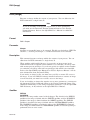
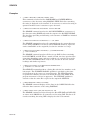
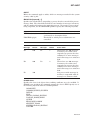
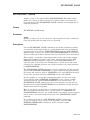
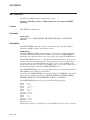
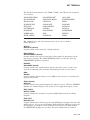
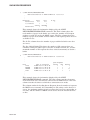
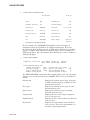
5.
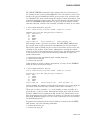
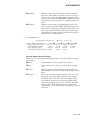
$ SEARCH/OUTPUT=SWAP.LIS/FORMAT=PASSALL/NUMBERS/EXACT _$ /WINDOW=10000 SWAP.PAS SWAP
This SEARCH command produces a listing file with the line numbers at the
left margin. The /FORMAT=PASSALL qualifier is specified so that formfeed characters in the source are passed through. The /EXACT qualifier
is specified for efficiency (because it is known that the name SWAP in the
program statement is always in uppercase). The /WINDOW qualifier is
entered so that the entire file is copied to the output file SWAP.LIS.
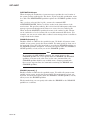
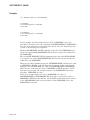
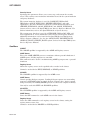
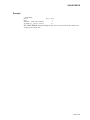
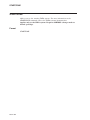
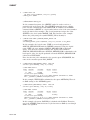
6.
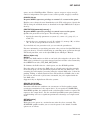
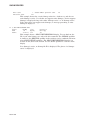
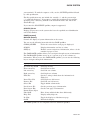
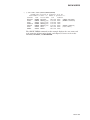
$ SEARCH/REMAINING CABLE.LOG FORTRAN
The SEARCH command displays all the lines in the CABLE.LOG file that
follow the first occurrence of the string FORTRAN.
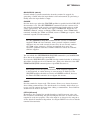
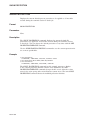
7.
$ SEARCH OMAHA::DISK1:[EXP]SUB.DAT,DATA.LIS VAX
The SEARCH command searches through the files SUB.DAT and DATA.LIS
at remote node OMAHA for all occurrences of the string VAX. The list of all
records containing the string VAX is displayed at the local terminal.
DCLII–88