1
EDIT/TECO
EDIT/TECO
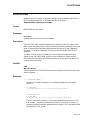
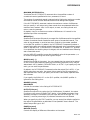
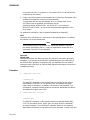
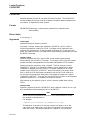
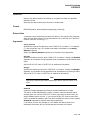
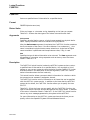
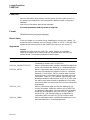
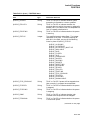
Invokes the TECO interactive text editor.
Format
EDIT/TECO [filespec]
EDIT/TECO/EXECUTE=command-file [argument]
Parameter
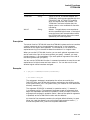
filespec
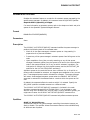
Specifies the file to be created or edited using the TECO editor. If the file does
not exist, it is created by TECO, unless you specify the /NOCREATE qualifier.
The asterisk (*) and the percent sign (%) wildcard characters are not allowed in
the file specification.
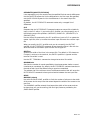
If you specify the /MEMORY qualifier (default) without a file specification, TECO
edits the file identified by the logical name TEC$MEMORY. If TEC$MEMORY
has no equivalence string, or if the /NOMEMORY qualifier is specified, TECO
starts in command mode and does not edit an existing file.
If you specify the /MEMORY qualifier and a file specification, the file specification
is equated to the logical name TEC$MEMORY.
argument
See the /EXECUTE qualifier.
Description
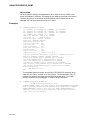
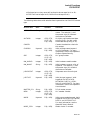
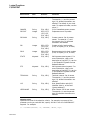
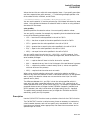
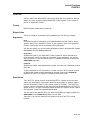
The TECO editor creates or edits text files. For detailed information on the use
of TECO, refer to the Standard TECO Text Editor and Corrector for the VAX,
PDP-11, PDP-10, and PDP-8 manual (available on the Documentation CD-ROM).
Qualifiers
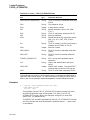
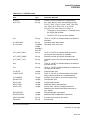
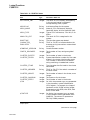
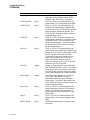
/COMMAND[=filespec]
/NOCOMMAND
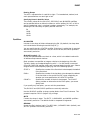
Controls whether a startup command file is used. The /COMMAND file qualifier
may be followed by an equal sign ( = ) and the specification of the command file.
The default file type for command files is .TEC.
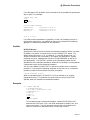
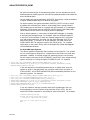
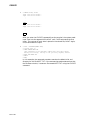
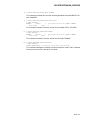
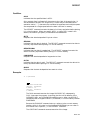
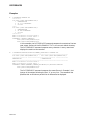
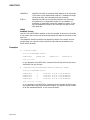
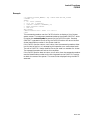
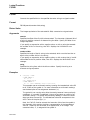
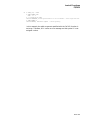
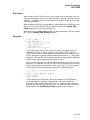
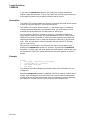
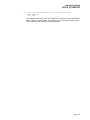
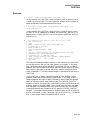
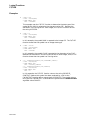
The following command line invokes TECO to edit a file named MEMO.DAT and
specifies that TECO use a startup command file named XTECOINI.TEC:
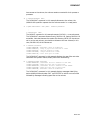
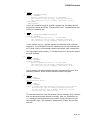
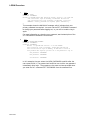
$ EDIT/TECO/COMMAND=XTECOINI.TEC MEMO.DAT
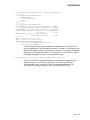
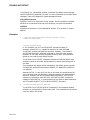
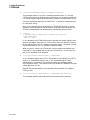
If you do not include the /COMMAND qualifier, or if you enter /COMMAND
without specifying a command file, TECO looks for the TEC$INIT logical name
assignment. If TEC$INIT is not defined, no startup commands are executed.
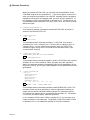
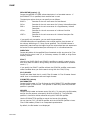
The logical name TEC$INIT can equate either to a string of TECO commands or
to a dollar sign ( $ ) followed by a file specification. If TEC$INIT translates to a
string of TECO commands, the string is executed; if it translates to a dollar sign
followed by a file specification, the contents of the file are executed as a TECO
command string. For further information, refer to the Standard TECO Text
DCLI–218