1
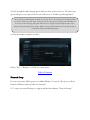
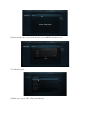
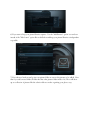
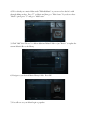
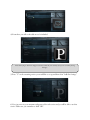
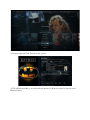
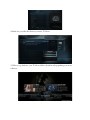
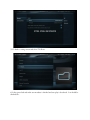
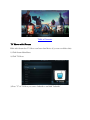
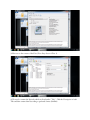
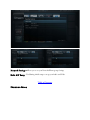
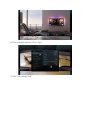
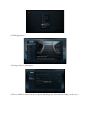
4) We've already set a music folder under "E\Media\Music" as you can see here but let's walk
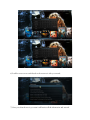
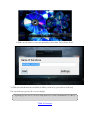
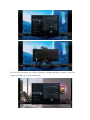
through adding another. Press "C" on Music and then go to "Edit Source". If you do not have
"Music" option press "C" and go to "Add Source"
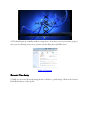
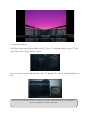
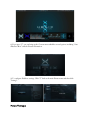
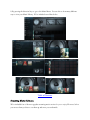
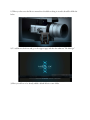
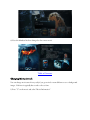
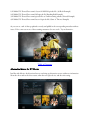
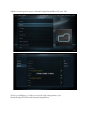
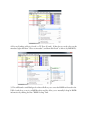
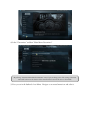
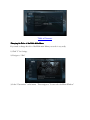
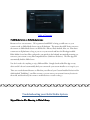
5) Click "Add" then "Browse" to add an additional Music Folder or just "Browse" to replace the
current Music folder as the library.
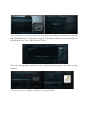
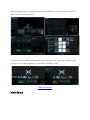
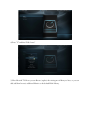
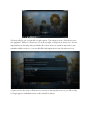
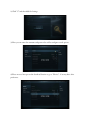
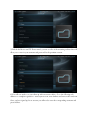
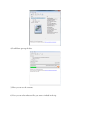
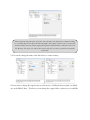
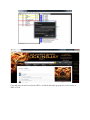
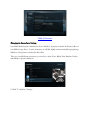
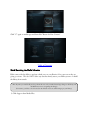
6) Navigate to your desired Music Library folder. Press OK.
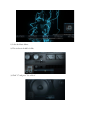
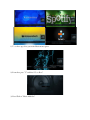
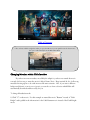
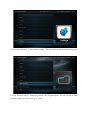
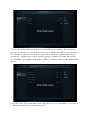
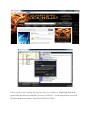
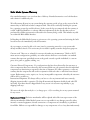
7) You will now see your Music begin to populate.