1
1. Unpacking and Installation
1-1.Unpacking
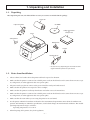
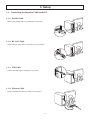
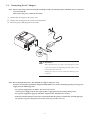
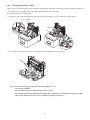
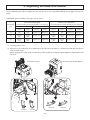
After unpacking the unit, check that all the necessary accessories are included in the package.
Paper roll
Paper roll guide
CD-ROM
Safety Instruction
&
Setup sheet
Printer
Switch blind
Rubber feet
Screws
Holding plate
* Accessories vary depending on the model and the
region where the printer was purchased.
1-2. Notes about Installation
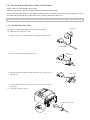
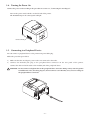
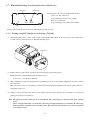
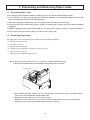
1. Choose a firm, level surface where the printer will not be exposed to vibration.
2. Make sure that the printer is connected to a reliable power outlet. It should not be on the same electric circuit as copiers, refrigerators, or other appliances that cause power spikes.
3. The power outlet you plan to connect to for power should be nearby and unobstructed.
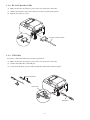
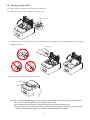
4. Make sure that the printer is not exposed to direct sunlight.
5. Make sure that the printer is well away from heaters and other sources of extreme heat.
6. Make sure that the printer is connected to a reliable power outlet. It should not be on the same electric circuit as copiers, refrigerators, or other appliances that cause power spikes.
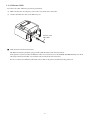
7. Make sure that the room where you are using the printer is not too humid.
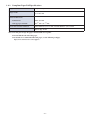
8. Use the printer within the boundaries indicated in the environmental requirements. Even when the ambient temperature and humidity are within the specifications, avoid radical changes in environmental conditions. The suitable
operating temperature range is as follows:
Operating temperature: 5°C to 45°C
9. When disposing of the printer, obey local regulations.
-1-