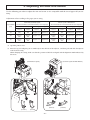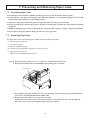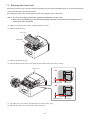
1
3. Setup
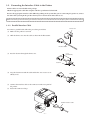
3-1. Connecting the Interface Cable to the PC
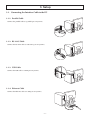
3-1-1. Parallel Cable
Connect the parallel cable to a parallel port on your PC.
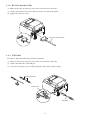
3-1-2. RS-232C Cable
Connect the RS-232C cable to a RS-232C port on your PC.
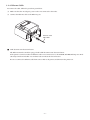
3-1-3. USB Cable
Connect the USB cable to a USB port on your PC.
3-1-4. Ethernet Cable
Connect the Ethernet cable to a USB port on your PC.
-3-