1
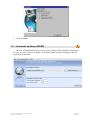
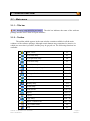
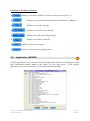
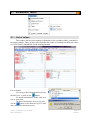
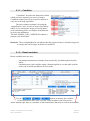
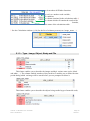
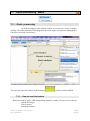
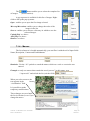
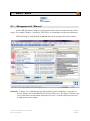
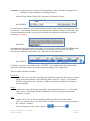
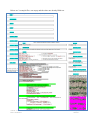
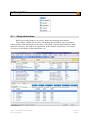
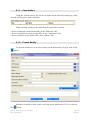
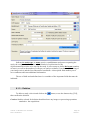
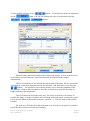
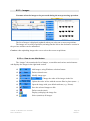
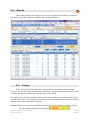
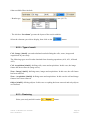
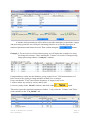
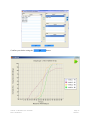
9.2.3 – Images You must select the images to be processed during the next processing operation. The list of images is displayed (updated) when you select one or more acquisitions. The images are saved by acquisition, meaning that the link to the declarative section in the previous window can be maintained. Caution: when uploading images take care to select the correct acquisitions. 9.2.3.a – How to use this feature The “images” tab contains the list of images, a search bar and various action buttons and displays the images in the right hand section. Add images, using Windows selection feature. Delete selected rows. Modify image type. Change the order of the images in the list. Update the order in line with the current filter in place (name…) Open the image with your default software (e.g.: Picasa). Save the selected images to disk. Delete search criteria. Display (redisplay) the image list. Select (unselect) all images. Authors : B. Moutault & C. Chevalier Date : 20/08/2012 Page 56 Version 1