1
AIDA64 Extreme
2.5.2
Preferences
REPORT LOOK
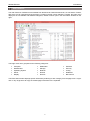
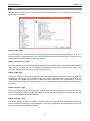
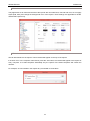
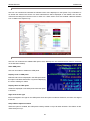
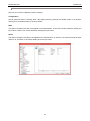
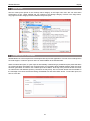
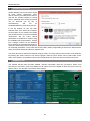
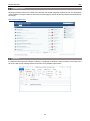
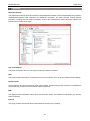
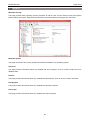
This page allows us to customize the look of the reports. We can select fonts, font size and color, we can apply
styles (bold, italic) and change the background color of the reports. These settings are applicable for HTML
and MHTML reports only.
2.5.3
REMARKS
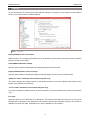
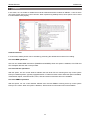
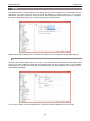
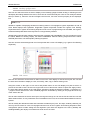
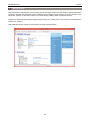
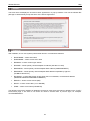
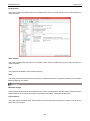
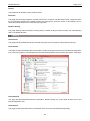
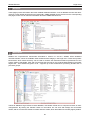
We can add remarks to the reports. These remarks will appear on the top of the reports.
If we write “ALL” in the computer name field or press the “All” button, the remarks will appear in the reports of
every computer. If we add computers individually only the reports of the listed computers will contain the
remarks.
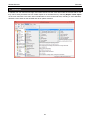
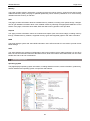
For example, we can indicate in the reports why we needed to create them.
19