1
Overview
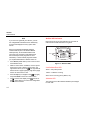
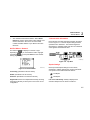
PC/NetTool Link Utility
NetTool Blaster
NetTool Toolkit
After you have the latest NetTool firmware downloaded
and saved locally, NetTool Blaster enables you to:
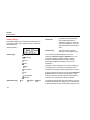
Use NetTool Toolkit on your PC in order to take full
advantage of NetTool Pro features. NetTool Toolkit
enables you to:
⇒
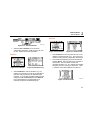
Update NetTool – click the Update button.
⇒
Get screen shots – download screens by clicking
NetTool Blaster’s Capture button.
⇒
Add your own splash screen by clicking the
Personalize button.
⇒
Set Date/Time.
⇒
If you have purchased options and need to enter
the option key, click Options.
⇒
Change Language – as translations become
available, choose one of the associated option
buttons.
⇒
Set Communication Parameters.
⇒
Generate reports.
⇒
Download reports.
⇒
Configure ping parameters.
⇒
Configure ping catalogs.
1
Select Help from the top menu of either program and
follow the instructions to use NetTool Blaster or Toolkit.
1-11