1
Supported Network Protocols
Print Server User Manual
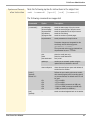
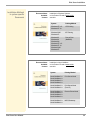
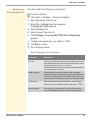
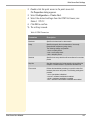
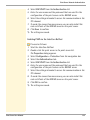
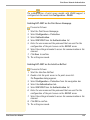
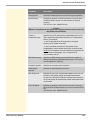
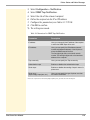
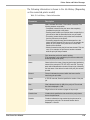
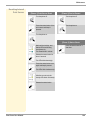
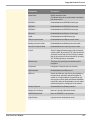
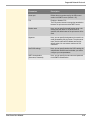
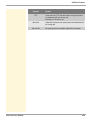
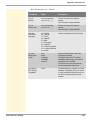
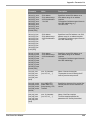
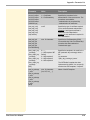
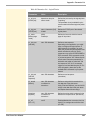
Parameters
Description
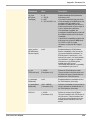
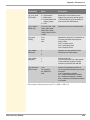
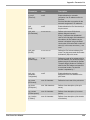
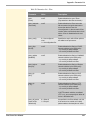
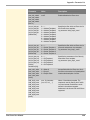
Server port
Defines the port number used by the ISD to send
emails to the SMTP server. (Default = 25)
TLS
Enables or disables TLS.
The TLS protocol serves to encrypt the transmission
between the print server and the SMTP server.
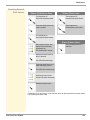
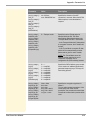
Sender name
Here, you can specify the email sender name to be
used by the print server. If no sender name is
specified, the default name of the print server will be
used.
Signature
Here, you can specify the signature to be used in an
email generated by the print server. The print server
name, serial number and IP address are used as
default values. You can enter a maximum of 128
characters.
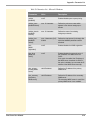
Use POP3 settings
Here, you can specify whether the POP3 settings for
authentication shall be used or whether you want to
configure your own parameters.
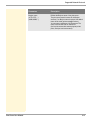
SMTP Authentication
(User name, Password)
Here, you can specify the user name and password
for the SMTP authentication.
216