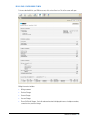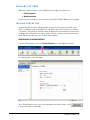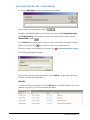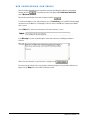
1
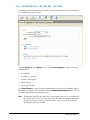
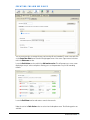
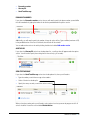
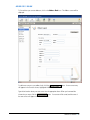
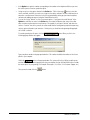
The following actions are available under the Default Action section: Forward to extension Send the caller to voice mail (default) Hang up FORWARD TO EXTENSION If you select Forward to extension you will need to specify the extension in the provided text box. SEND THE CALLER TO VOICE MAIL Select this option if you want the caller forwarded to your voice mail. HANG UP Select this option if you do not wish to forward the caller. RULE OPTIONS When you are done with the default action settings, locate the Rule Options section at the bottom of the screen. You will need to specify the Maximum hold time. Type in the number of minutes you wish to put your callers on hold. When you are done selecting your options, click the Save Changes button at the bottom of the screen. To activate this rule, you will need to add it to your Follow Me Schedule. PBNext User Manual 11