1
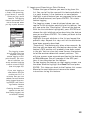
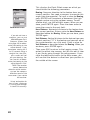
- Data Fields: customizable data fields (see Customize
option below). Some of the data displayed requires you to
be moving to be computed. Invalid data is indicated by
dashes.
- Trip Odometer: The odometer performs like the odometer
in your car. It can be reset through the MENU button.
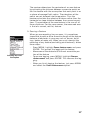
To customize the Position screens, use the functions described below. The first of these context-sensitive functions is
prompted when you press the MENU button while a Position
screen is displayed. Some of these functions also exist in the
Setup menu.
Coord System, Map Datum and Elev Mode
See page 61 and page 63
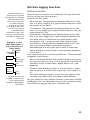
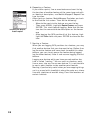
Reset Trip (from Position screen 1 only)
If you select this option and you press ENTER, a warning message is displayed asking you to confirm your choice. To reset
the trip odometer, highlight the Yes field and press ENTER.
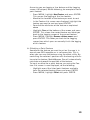
Customize (from Position screen 1 only)
See page 47.
43