1
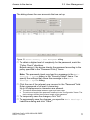
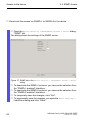
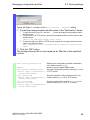
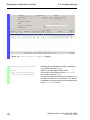
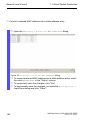
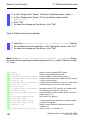
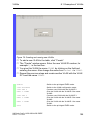
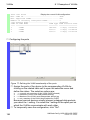
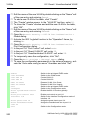
VLANs 8.1 Examples of VLANs Assign the ports of the device to the corresponding VLANs by clicking on the related table cell to open the selection menu and define the status. The selection options are: - = currently not a member of this VLAN (GVRP allowed) T = member of VLAN; send data packets with tag U = Member of the VLAN; send data packets without tag F = not a member of the VLAN (also disabled for GVRP) Because terminal devices usually interpret untagged data packets exclusivly, you select the U setting here. To temporarily save the configuration, click "Set". Open the Switching > VLAN > Port dialog. Assign the Port VLAN ID of the related VLANs (2 or 3) to the individual ports - see table. Figure 74: Assigning and saving "Port VLAN ID", "Acceptable Frame Types" and "Ingress Filtering" Because terminal devices usually send data packets as untagged, you select the admitAll setting for the "Acceptable Frame Types". The setting for "Ingress Filtering" has no affect on how this example functions. To temporarily save the configuration, click "Set". Open the Basic Settings > External Memory dialog. To save the configuration permanently in the external memory, activate the "Auto-save config on envm" checkbox and click "Set". 190 UM BasicConfig HiOS-2S/2A/3S RSPE Release 4.0 07/2014