1
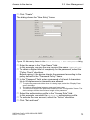
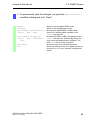
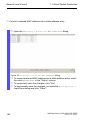
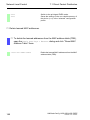
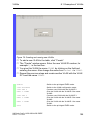
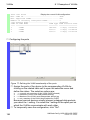
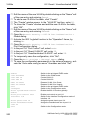
Operation Diagnosis 9.10 Email Notification (HiOS-2A, HiOS-3S) 9.10.6 Enabling/disabling of the function Perform the following work steps: Open the Diagnostics > Email Notification > Global dialog. Select in the "Operation" frame the "On" radio button. Click the "Set" button. enable configure logging email operation no logging email operation Switch to the privileged EXEC mode. Switch to the Configuration mode. Enables the sending of email messages. Disables the sending of email messages: 9.10.7 Sending of a test message The device allows you to check the settings by sending a test message. Prerequisite: The settings for the email message are specified. The function is enabled. Perform the following work steps: Open the Diagnostics > Email Notification > Mail Server dialog. Click the "Connection Test" button to display the "Connection Test" dialog. Click in the "Severity" field: – – Select the value urgent to send the test message to the recipients which the device informs about serious events. Select the value urgent to send the test message to the recipients which the device informs about serious events. Click in the "Message Text" field: enter the text of the email message. Click the "OK" button to send the test message. UM BasicConfig HiOS-2S/2A/3S RSPE Release 4.0 07/2014 241