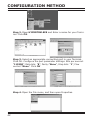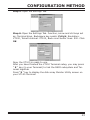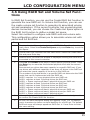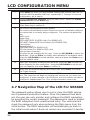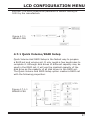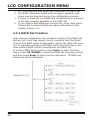
1
APPENDIX
Note: CD-ROM bootable VT-100 utility cannot support the update
firmware function.
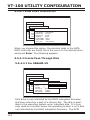
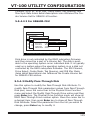
Upgrade Firmware Through ANSI/VT-100
Terminal Emulation
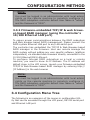
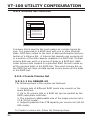
Get the new version firmware for your RAID subsystem controller.
For Example, download the bin file from your OEM’s web site onto
the c:
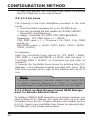
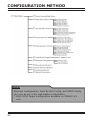
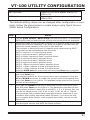
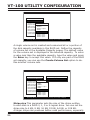
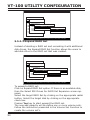
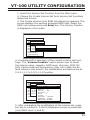
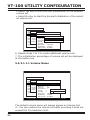
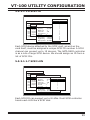
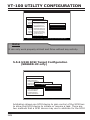
1. From the Main Menu, scroll down to “RAID System Function”
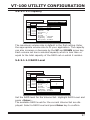
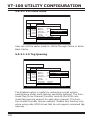
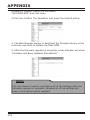
2. Choose the “Update Firmware”, The Update The RAID Firmware
dialog box appears.
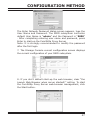
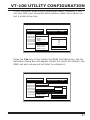
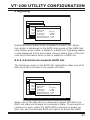
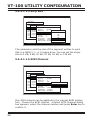
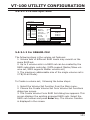
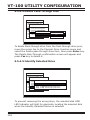
3. Go to the tool bar and select Transfer. Open Send File.
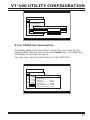
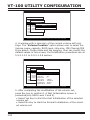
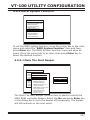
4. Select “ZMODEM modem” under Protocol. ZMODEM as the file
transfer protocol of your terminal emulation software.
171