1
NCast Presentation Recorder Reference Manual
1.6. PRESENTATION RECORDERS – CONNECTOR OPTIONS
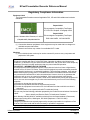
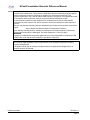
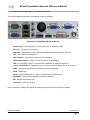
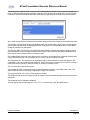
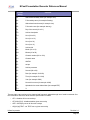
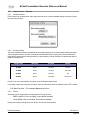
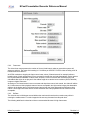
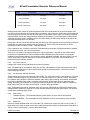
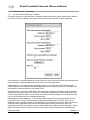
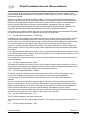
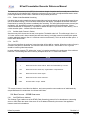
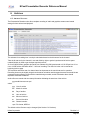
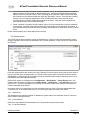
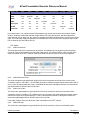
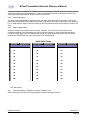
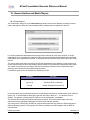
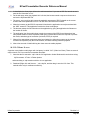
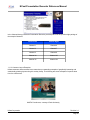
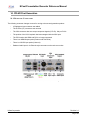
The following diagram describes the back-panel connectors available:
Backpanel for PR-HD-Basic-M, PR-HD-Basic-P
•
Serial Control – Wired control from a touch panel, such as Crestron or AMX
•
Ethernet – Connection to the Internet
•
XLR Audio – Balanced XLR input connector and additionally a balanced 0.25” connector
•
VGA – Input from the presenter's PC
•
VGA Loopback – VGA output, usually to the room projector
•
VGA/Component Out – RGBHV or Y-Pb-Pr output to the local display
•
USB – For specifying a static IP connection with a USB drive or saving an archive file
•
Line-In, Line-Out, Mic-In - Unbalanced 3.5 mm. audio connections. Stereo for Line-In, Line-Out
•
HDMI – Video input from cameras or computers, audio not supported
•
DVI-D – Digital input
•
DVI-A – Analog RGBHV input or Y-Pb-Pr component from a camera source
•
Displayport – Input from the Displayport output of a computer
•
SDI – 3G-SDI Serial Digital Input
•
Composite – NTSC or PAL input
Note: Conversion of HDMI or DVI signals to Displayport requires an active (not passive) adapter.
NCast Corporation
Revision 2.2
Page 8