1
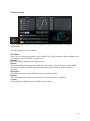
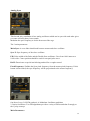
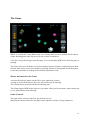
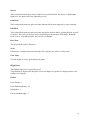
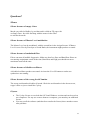
Wobble Settings Page
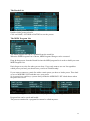
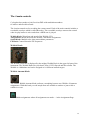
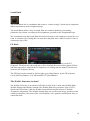
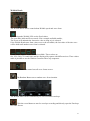
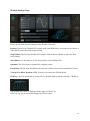
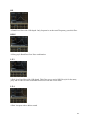
Here you can make special settings for the Wobble Generator.
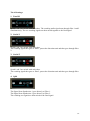
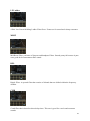
Restart: Decide if the Wobble LFO restarts with each MIDI Note, at certain beat divisions, or
when the Recorder Envelope wraps around.
Single/Multi: Decide if the Wobble LFO restarts with each note (Multi) or with each first
note (Single).
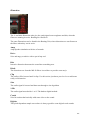
Start Phase: Use the fader to set the start position of the Wobble LFO.
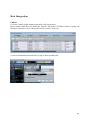
Quantize: The Waveform is quantized to stepping values.
Interpolate: Decide if the Wobble Knob switches or fades between beat matched LFO rates.
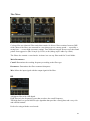
Velocity Sets Knob Position: MIDI Velocity will control the Wobble Knob.
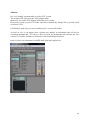
HotKeys: Activate this button to control the 12 Wobble Knob positions with the 12 HotKeys.
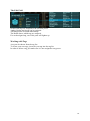
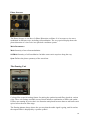
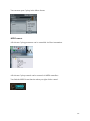
The wobble wave form is displayed in the upper left bull´s eye.
Here you can see all waveform changes and LFO restarts.
22