1
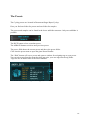
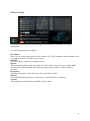
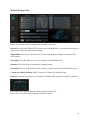
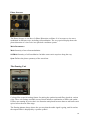
Each of the Synthesizers offers 6 different synthesis methods that have been engineered with
a great deal of listening and tweaking, until that special sound was attained that makes Cyclop
so impressive.
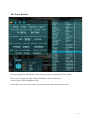
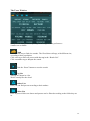
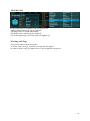
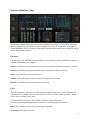
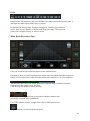
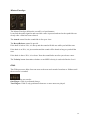
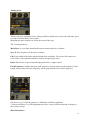
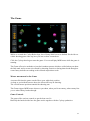
The three main controls of the Synthesizer units are modulation targets that can be assigned in
the Assignments Screen.
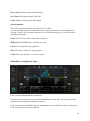
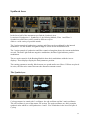
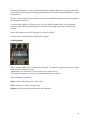
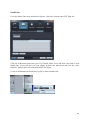
Cyclop always produces 4 Unison voices. You can offset the pitch of the voices using the
Unison Control. Detune the Synthesizers with each other using the Detune and the Octave
Control.
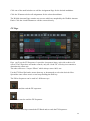
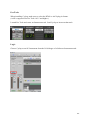
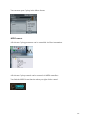
Power the Synthesizer on/Off using the S1 or the S2 Switch.
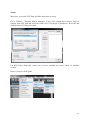
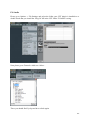
Use the menu to load the desired Synthesizer engine.
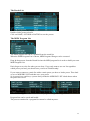
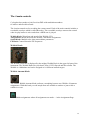
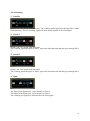
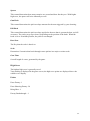
Saw Regiment
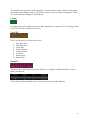
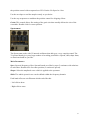
This is a special Super-Saw oscillator thet generates 7 sawtooth waveforms running at a slight
pitch offset for a massive sound.
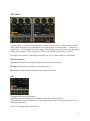
Additionally, the four unison voices can be used to stack octaves.
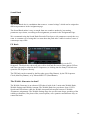
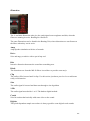
The Digitize parameter is a frequency-dependent sample rate reducer.
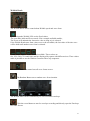
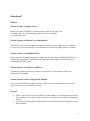
The modulatable parameters:
Super: Offsets the pitch for the 7 saw waves.
Stab: Adds up to 3 octaves to the sound.
Digitize: Special pitch dependent sample rate reduction.
34