1
FbF Device Listener – User Manual
Online Installation
5. Online Installation
Online installation of performed using “Online installation link” provided to you at the time
of purchase. Opening the online installation link will automatically start the installation of
FbF Device Listener on the computer.
Follow the step by step instructions below in order perform online installation of FbF Device
Listener.
Before starting the installation please make sure that you are logged in to your
computer with an Windows Account having Administrative Privileges.
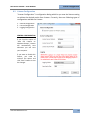
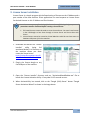
1. Click on the Online Line installation link or copy and paste the same in the URL field of
your internet browser. You will be taken to the FbF Listener Online Installation Page.
Please read the instructions on the page carefully and act accordingly to start the online
installation.
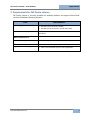
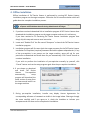
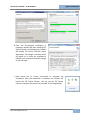
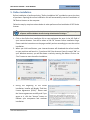
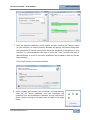
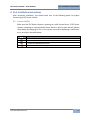
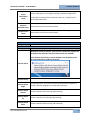
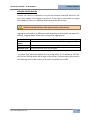
2. When you click install button, your internet browser will download the online installer
on your machine and launch it. If you have UAC (User Account Control) turned “ON” on
your Windows account, you will be shown a security warning like below. Click on the
“Run” button to start the online installation.
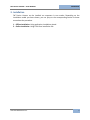
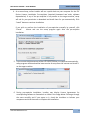
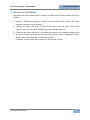
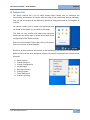
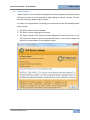
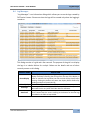
3. During the beginning of the online
installation, installer will display “End User
License Agreement (EULA)”. Please read
the license agreement carefully and if you
agree to it, click the “Accept” button to
indicate your acceptance and continue
installation.
Fulcrum Biometrics LLC
8