1
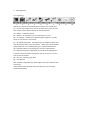
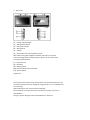
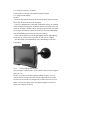
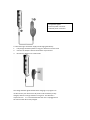
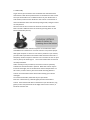
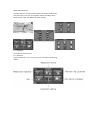
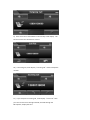
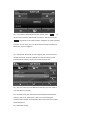
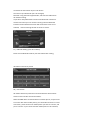
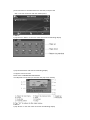
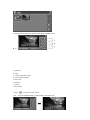
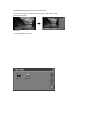
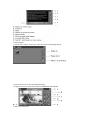
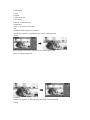
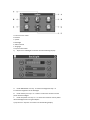
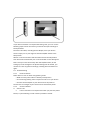
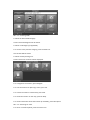
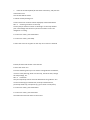
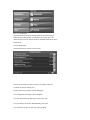
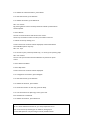
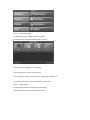
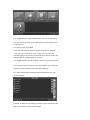
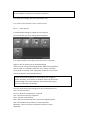
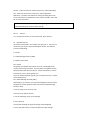
4 Getting Started 4.1 Unpacking Unpack your device box and identify the contents. You should have: (1) Unit. Its main features are a touch‐sensitive LCD screen, SD card slot, volume control switch. Details see the photo below. (2) Holder ‐ to hold the device. (3) Bracket ‐ its main features is to fix the device on a car . (4) Car Charger ‐ Standard 12V cigarette lighter adapter to provide power to your device in the vehicle. (5) AC adapter (Optional) ‐ included for you to charge and work with your device even when not in the vehicle. When you use the adapter, please make sure it is cooled by placing it in a well ventilated area. (6) USB data cable for connecting your device to a Windows PC (7) GPS External Antenna (Optional) is used when the GPS signal is insufficient and it should be mounted on the top of the car or on the front of the car window. (8) SD card ‐ containing map data. (9) User Manual. (10) Installation CD (Optional) containing PC connection software and extra maps. *Note: please check optional accessories with your local retailer/ importer/distributor.