1
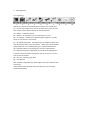
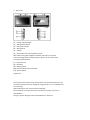
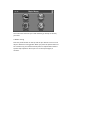
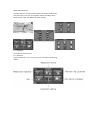
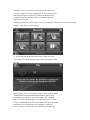
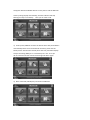
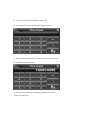
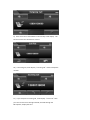
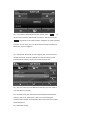
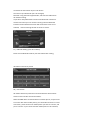
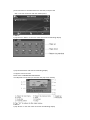
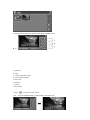
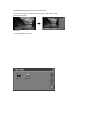
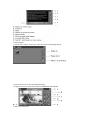
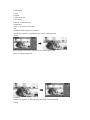
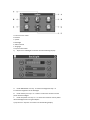
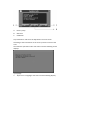
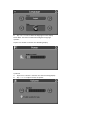
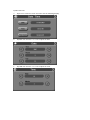
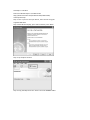
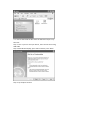
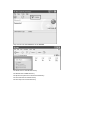
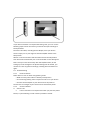
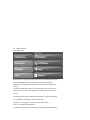
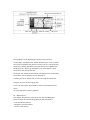
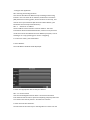
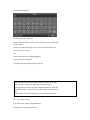
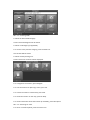
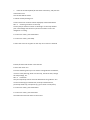
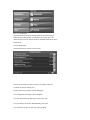
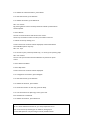
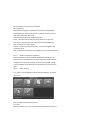
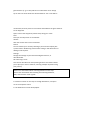
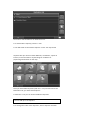
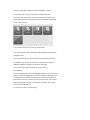
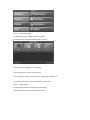
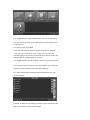
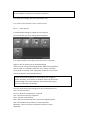
18.4.1 General settings ● Choose General to change the general settings. The window with the general settings will be shown: ● To choose the language, press Language. ● To change the time zone, press Set time. ● To change the system of measurement, press Miles or Kilometres. ● To show information about the application, press About. 18.4.2 Map settings ● Choose Map Settings to change the map settings. The window with the map settings will be shown: