1
234
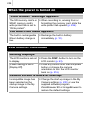
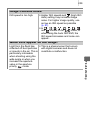
When the power is turned on
“Card locked!” message appears.
The SD memory card’s or z When recording to, erasing from or
SDHC memory card’s
formatting the memory card, slide the
write protect tab is set to
write protect tab upward (p. 256).
“Write protect”.
The Date/Time menu appears.
The built-in rechargeable
lithium battery charge is
low.
z Recharge the built-in battery
immediately (p. 10).
LCD monitor/Viewfinder
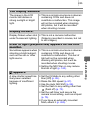
Nothing displays.
The LCD monitor is set not z Press the DISP. button to turn on the
to display.
LCD monitor (p. 63).
[Power Saving] is set to
[Display Off].
z Press any button other than the power
button or change the camera
orientation to turn the LCD monitor
back on (p. 216).
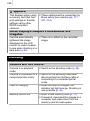
Camera screen is black at start-up.
Incompatible image has
been selected as the
startup image in the My
Camera settings.
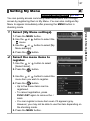
z Change the start-up image in the My
Camera settings (p. 230) or use the
supplied software program
ZoomBrowser EX or ImageBrowser to
restore the default settings.