1
89
3
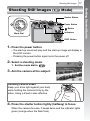
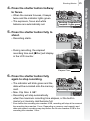
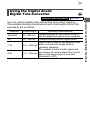
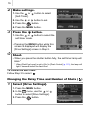
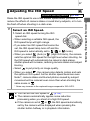
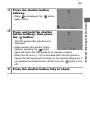
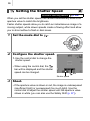
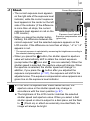
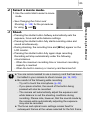
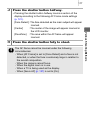
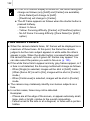
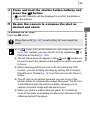
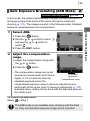
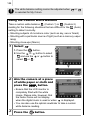
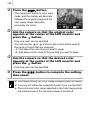
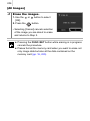
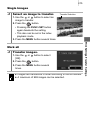
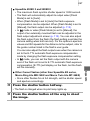
Press the shutter button
halfway.
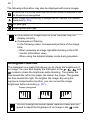
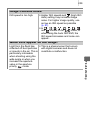
• When
is displayed, the
lights in blue.
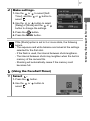
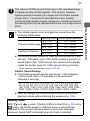
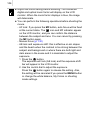
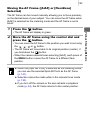
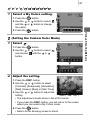
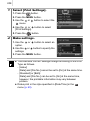
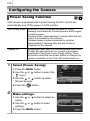
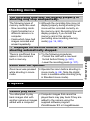
Press and hold the shutter
button halfway, then press
the
button.
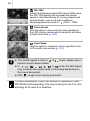
• The ISO speed after adjustment is
displayed.
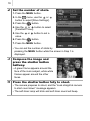
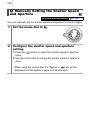
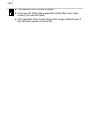
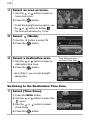
• While pressing the shutter button
halfway, pressing the
button
again will return the ISO speed to its original condition.
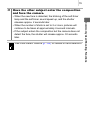
• When the AE lock (p. 134) is activated after the ISO speed is
raised, the ISO speed will not return to its original setting even if
you release the shutter button (at this time, the
button turns
off).
5
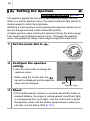
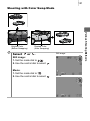
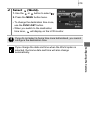
Press the shutter button fully to shoot.
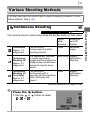
Commonly Used Shooting Functions
4
button