1
BackupAgent Online Backup Client for Linux 3.21 User Manual
5.4.4. Deleting data from Backup Server
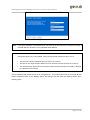
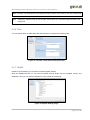
To delete data from the Backup Server, click on "Restore" in the "Navigation" panel. Select the data that
needs to be deleted by checking the checkboxes (you can select multiple files or folders). Click on the
"Delete" button in the lower main panel to delete the file(s). The client will ask you to confirm the delete
action.
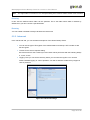
Figure 19: Confirm delete action
Note:
You can choose to delete all data except the latest versions. This can be useful to clean up your
backup account.
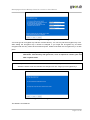
5.4.5. Restore process
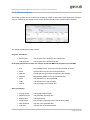
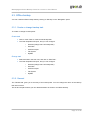
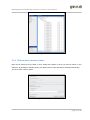
The restore process can be monitored by clicking on „Details‟ on the bottom of the application during the
process of a restore (the details-screen will pop-up automatically when a restore is initiated).
Figure 20: Restoring Data
Page 21 of 29