1
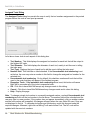
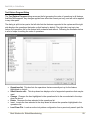
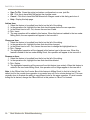
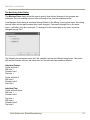
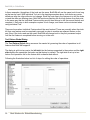
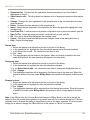
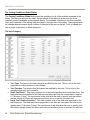
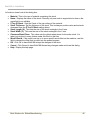
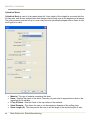
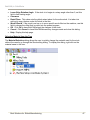
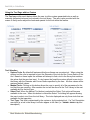
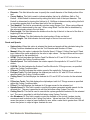
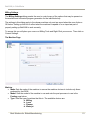
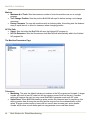
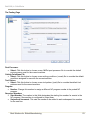
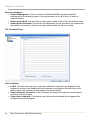
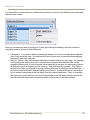
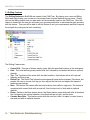
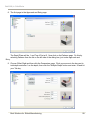
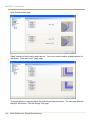
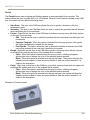
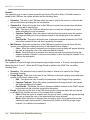
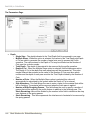
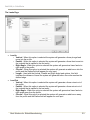
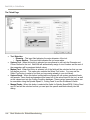
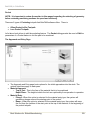
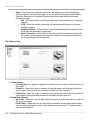
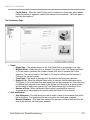
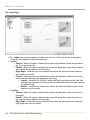
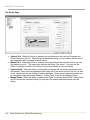
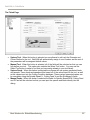
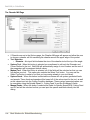
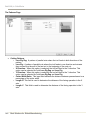
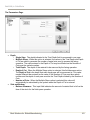
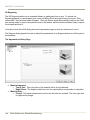
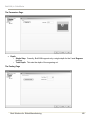
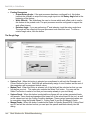
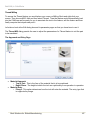
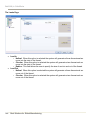
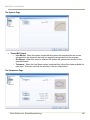
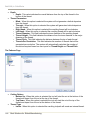
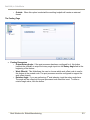
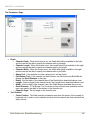
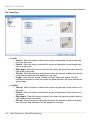
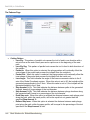
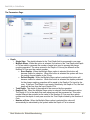
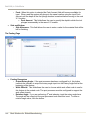
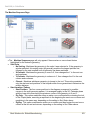
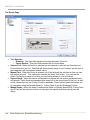
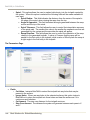
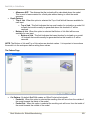
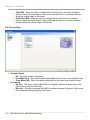
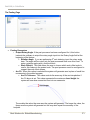
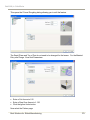
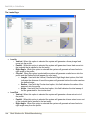
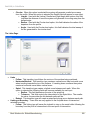
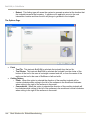
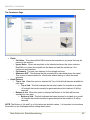
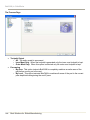
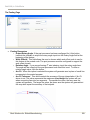
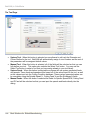
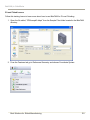
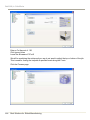
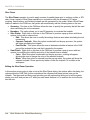
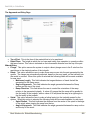
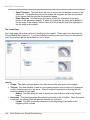
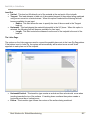
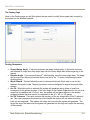
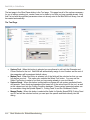
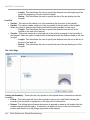
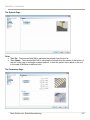
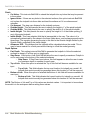
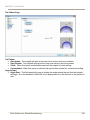
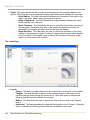
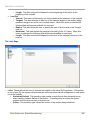
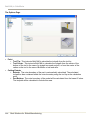
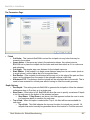
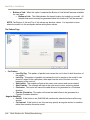
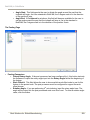
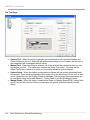
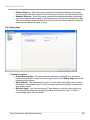
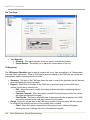
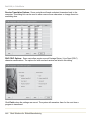
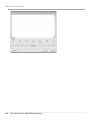
BobCAM for SolidWorks The Leads Page The Leads page contains options for leading into and out of the finish profile of the pocket. Leads are only applied to the profile finish pass. Lead In o Vertical - When this option is selected the system will generate a linear plunge feed in the Z axis into the profile. o Parallel - When this option is selected the system will generate a linear feed move into the toolpath that is parallel to the first entity. o Right Angle - When this option is selected the system will generate a linear feed at a right angle to the profile. o Circular - When this option is selected the system will generate a radial move into the profile and the Radius field will appear for user input. Length - Used with the Vertical, Parallel and Right Angle lead options, this field indicates the distance of travel the system will generate before the cutter reaches the defined edge. Radius - Used with the Circular lead option, this field indicates the radius of the approach into the profile. Lead Out o Vertical - When this option is selected the system will generate a linear retract out of the profile. o Parallel - When this option is selected the system will generate a linear retract out of the toolpath that is parallel to the last entity. o Right Angle - When this option is selected the system will generate a linear feed at a right angle away from the profile. 132 Real Solutions for Global Manufacturing