1
BobCAM for SolidWorks
4.3 4th Axis Machining Features
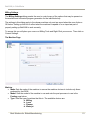
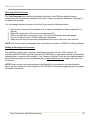
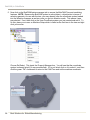
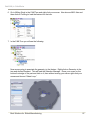
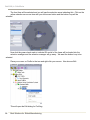
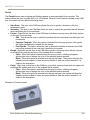
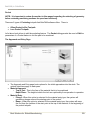
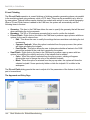
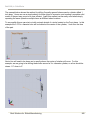
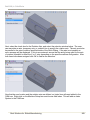
4th Axis programming can be accomplished two different ways inside of the BobCAM system.
Choosing the method depends mainly on what type of geometry will be used to create the tool paths.
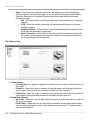
The first method will most commonly be used if the tool path is being generated from simple
sketches, and the second method will be commonly be used when working with a solid or surface
model. However, either of these methods can be used for any type of geometry.
Method 1:
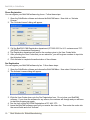
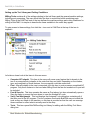
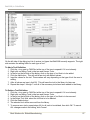
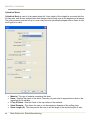
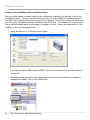
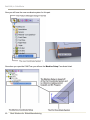
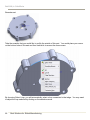
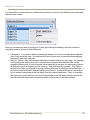
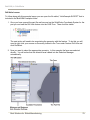
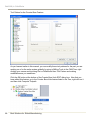
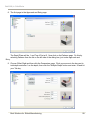
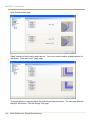
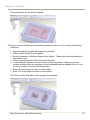
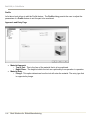
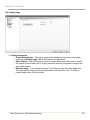
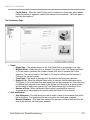
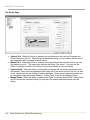
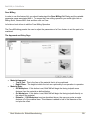
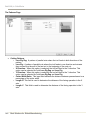
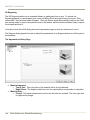
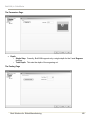
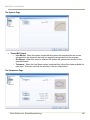
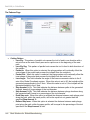
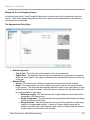
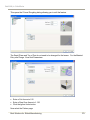
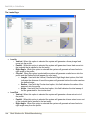
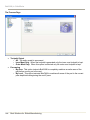
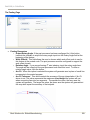
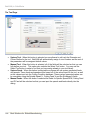
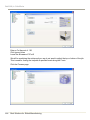
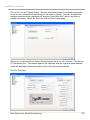
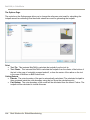
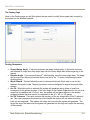
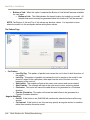
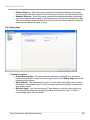
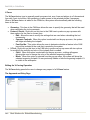
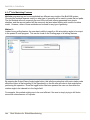
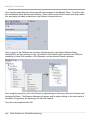
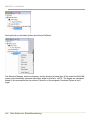
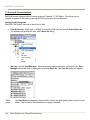
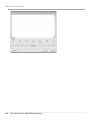
Inside of every milling feature, the user has to ability to specify a 4th axis rotation angle to be output
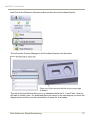
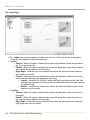
in the posted G-code program. This can be found on the Posting page of all milling features.
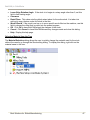
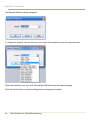
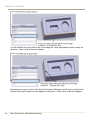
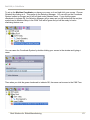
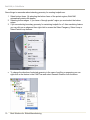
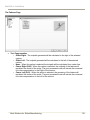
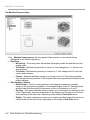
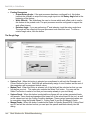
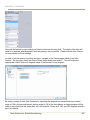
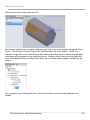
By pressing the Output Rotary Angle toggle button, this tells the system that a 4th axis rotation code
should be output at the beginning of the operation(s) so the 4th axis will index to that angle before
performing the operation. Once the toggle button has been pressed the user can then enter the
rotation angle to be indexed to in the Angle field.
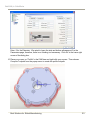
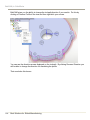
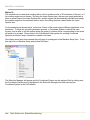
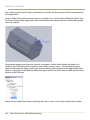
For example, this method might prove to be most efficient if the user is simply trying to drill holes
around the circumference of a cylinder.
244
Real Solutions for Global Manufacturing