1
Hardware Tour
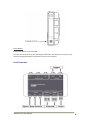
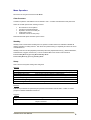
VX10 Vehicle-Mount PC:
Power Indicator LED:
Green LED is ON if power is applied to VX10 Vehicle-Mount PC.
Brightness Control Keys:
These keys turn the brightness of the screen UP and DOWN.
During day operation the brightness is best set to a high-brightness.
During night operation the brightness is best set to a low-brightness.
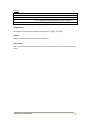
USB Port:
USB memory stick can be connected for software updates and data downloads. There are also 2 x
USB ports along the bottom I/O panel.
USB download of work will be available as an optional add-on. This will be available with the Q3-2011
software update.
Touchscreen:
The display is a touchscreen, and provides intuitive menu navigation and operation. Active key areas
can be simply touched.
Function Keys:
There are five illuminated function keys along the bottom (F1:F5). These can be used instead of the
touchscreen. The banner along the bottom of the screen will display the function of each key.
Autoline VX10 User Manual
3