1
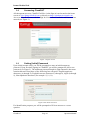
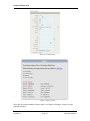
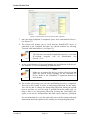
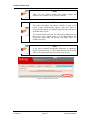
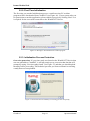
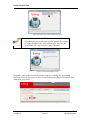
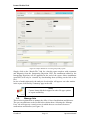
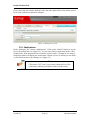
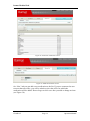
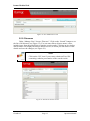
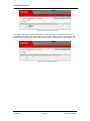
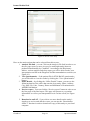
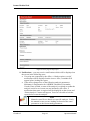
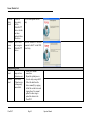
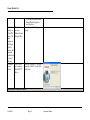
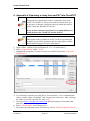
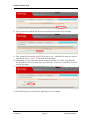
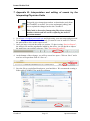
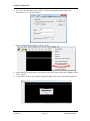
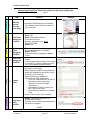
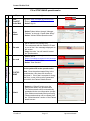
Itamar Medical Ltd. Figure 14: More Detail screen for patient data (optional) 7. Once the study definition is completed, press “Save and Initialize Device” (see Figure 13). 8. The system will prompt you to verify that the WatchPAT™ device is connected to the computer and then you should continue by selecting ”Proceed with initialization” (see Figure 15). Note The first time you run the initialization process, a one-time PC-resident program will be downloaded (see Section 3.2.2). 9. A pop-up application will open and manage the initialization of the device. See section 3.2.3 for error handling in different cases. Note Make sure to connect the device, perform a device test and guide the patient before handing out the WatchPAT™ device. Refer to the WatchPAT™ operation manual for more details. 10. The system will prompt you once the initialization process is completed. Then you will be asked to select an Interpreting Physician for this study. You will be able to change the Interpreting Physician during the upload process and later on, once the study is uploaded from the study page. As long as there is no Interpreting Physician (leaving this field empty) the report is not sent for interpretation and final report cannot be generated. It is recommended to review the study and correct all the patient and study information that needs update before sending it to Interpreting Physician. CloudPAT Page 21 Operation Manual