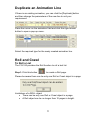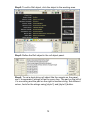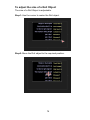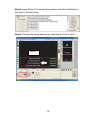
1
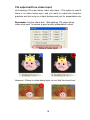
To add a [Fade] animation
Adding a [Fade] animation is just the same as adding other
animations already covered earlier in this manual.
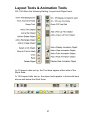
To insert a [FADE] animation, click the [Fade] button on the toolbar or
first duplicate the previous animation and then modify it to be a
[FADE].
Delete an existing animation line
To delete an existing animation, simply select the animation box and
press the delete key on your keyboard or right click the mouse and
select delete from the popup menu.
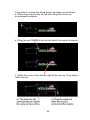
Change the order of animations
To change the sequence of animations, select one of the animations
on the list and simply drag it to the desired position in the sequence.
70