1
Station Programming
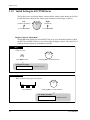
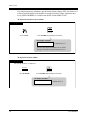
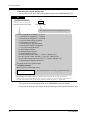
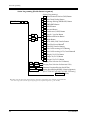
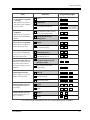
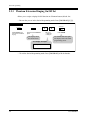
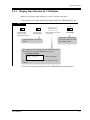
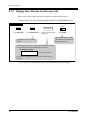
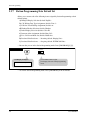
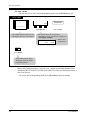
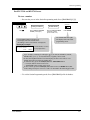
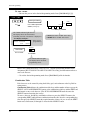
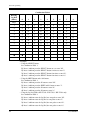
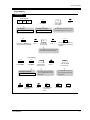
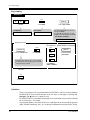
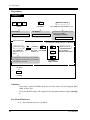
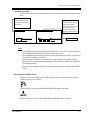
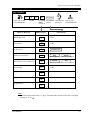
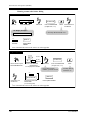
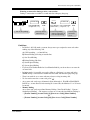
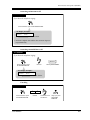
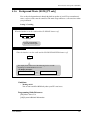
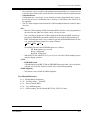
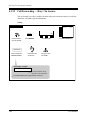
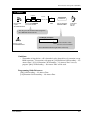
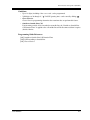
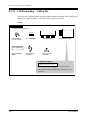
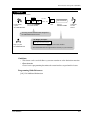
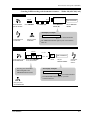
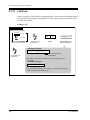
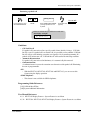
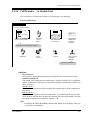
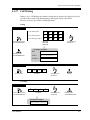
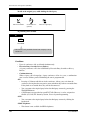
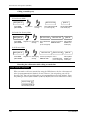
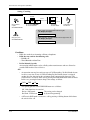
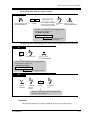
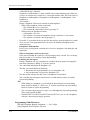
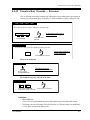
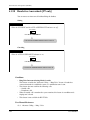
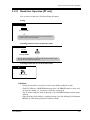
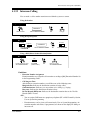
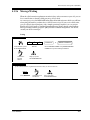
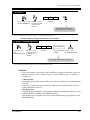
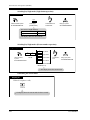
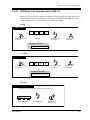
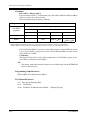
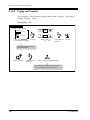
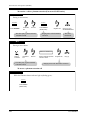
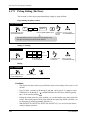
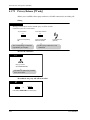
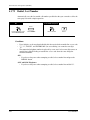
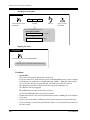
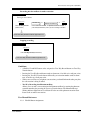
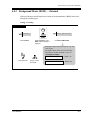
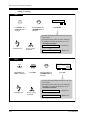
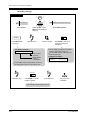
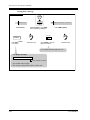
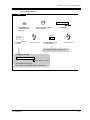
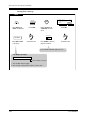
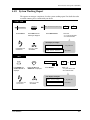
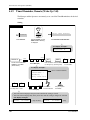
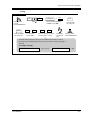
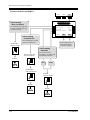
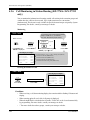
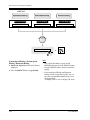
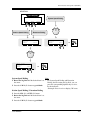
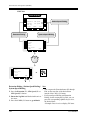
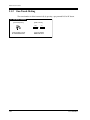
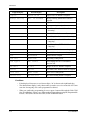
To store a name
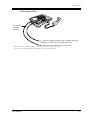
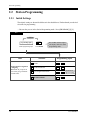
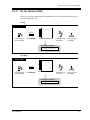
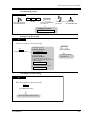
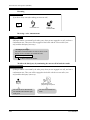
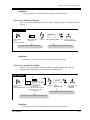
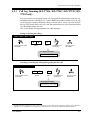
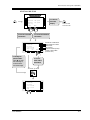
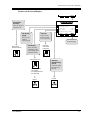
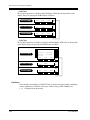
— Be sure that you are in the Station Programming mode: Press [PROGRAM] [9] [9].
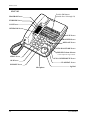
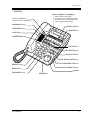
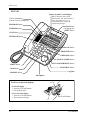
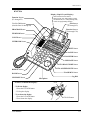
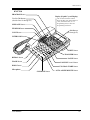
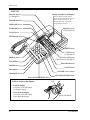
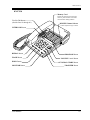
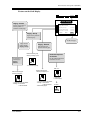
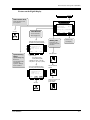
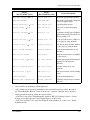
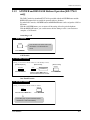
7235 / 7436
F1
F6
F2
F7
F3
F8
F4
F5
desired name
NEXT
F9
PT-PGM Mode
F10
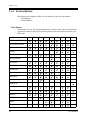
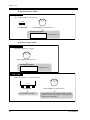
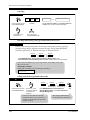
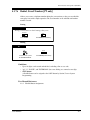
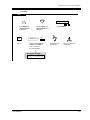
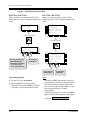
Press Function (F1-F10).
The STORE indicator light turns off.
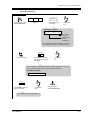
The display shows the current status.
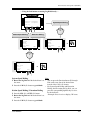
S1
S2
S3
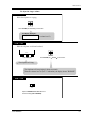
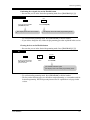
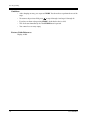
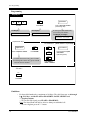
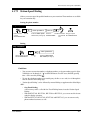
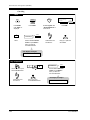
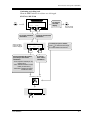
Press NEXT (S3).
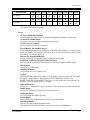
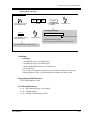
Enter the name.
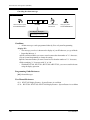
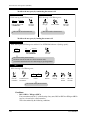
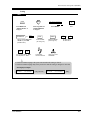
The display shows the current status.
(If nothing is stored, "Not Stored" is displayed.)
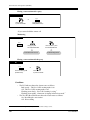
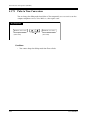
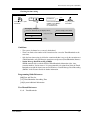
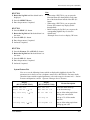
<PT Display Example>
(- Name is now
Mike Graham
programmed.)
CLR
NEXT
AUTO DIAL
STORE
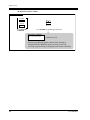
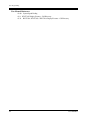
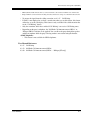
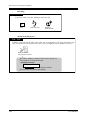
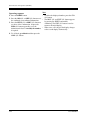
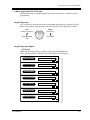
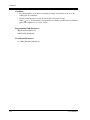
Press STORE.
The STORE indicator lights.
The display shows the initial
programming mode.
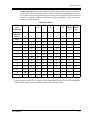
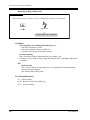
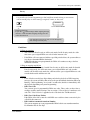
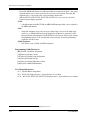
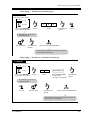
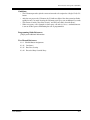
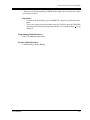
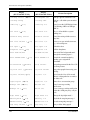
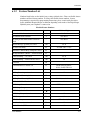
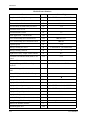
Refer to the Combination Tables 1 and 2 in 2.2.8 Station Speed Dialing Number/Name
Assignment [KX-T7235/KX-T7431/KX-T7433/KX-T7436 only] for information on how to
enter each character.
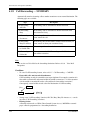
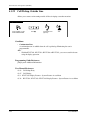
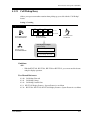
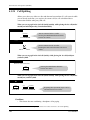
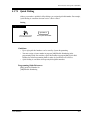
— To exit the Station Programming mode: Press [PROGRAM] or lift the handset.
60
User Manual