1
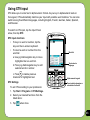
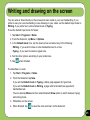
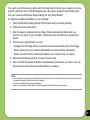
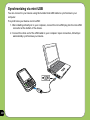
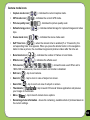
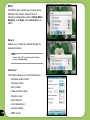
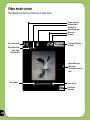
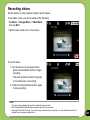
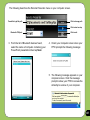
Video mode icons
• Capture mode icon [
/
• Default storage icon [
• Effects icon [
• Video size [
/
/
] - indicates the current capture mode.
/
/
/
] - indicates default storage for captured video clips.
] - indicates the effects used.
] - shows the video size used.
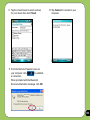
• Exit icon [
] - tap to exit video.
• Zoom In [
] - tap to zoom in view of subject on screen.
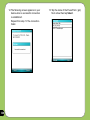
• Zoom Out [
• Thumbnails [
your video.
• Menu [
] - tap to zoom out view of subject on screen.
]- tap to launch Pictures & Videos application and play
] - tap to launch video menu options.
• Remaining video recording time information - shows the remaining, video recording
time based on the current settings.
121