1
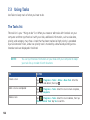
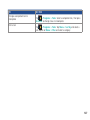
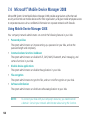
Installing and removing a microSD card
Your Xda is equipped with a microSD card slot. A microSD card provides you with extended
memory where you can store your files and data.
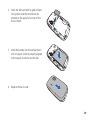
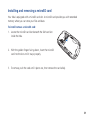
To install/remove a microSD card:
1. Locate the microSD card slot beneath the SIM card slot
inside the Xda.
2. With the golden fingers facing down, insert the microSD
card into the slot until it snaps properly.
3. To remove, push the card until it ejects out, then remove the card safely.
31