1
8
CHAPTER 2. SOFTWARE ENVIRONMENT
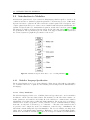
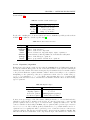
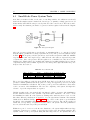
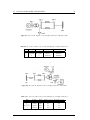
(a) Modelica standard
library.
(b) PowerSystems Library.
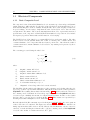
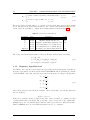
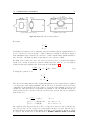
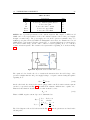
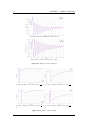
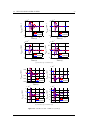
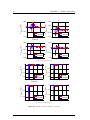
Figure 2.3: Overview of MSL and PowerSystems Library.
executable C-code before starting the simulation.
The information about these intermediary steps can be shown in the translation log, with for
example, the number of linear and non-linear equations. Note that the simulation settings can be
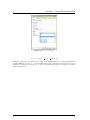
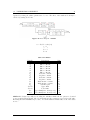
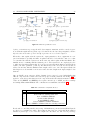
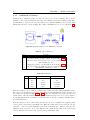
configured in this interface through a configuration dialog shown on Fig. 2.6. The default settings
use the DASSL solver with a tolerance of 0.0001 and retain 500 intervals to plot.
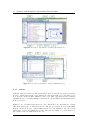
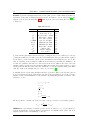
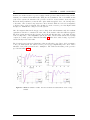
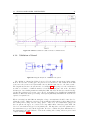
After performing the simulation, the variables are accessible through variable browser which contains parameters and variables of the simulated model. Except those defined with prefix protected, all of the variables will be listed hierarchal in the browser and can be plotted by dragand-drop the variables to the plot diagram. Up to 99 different simulation results can be shown
simultaneously in the Variable Browser. Furthermore, the information about the executed simulations such as CPU time, function and Jacobian evaluations, and the number of events and result
points are available in the prompt up simulation log.