1
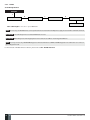
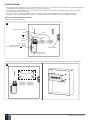
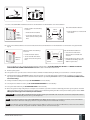
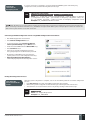
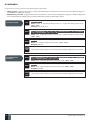
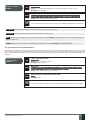
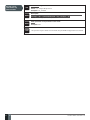
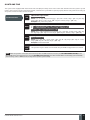
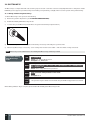
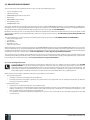
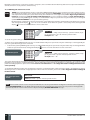
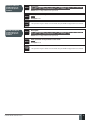
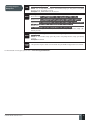
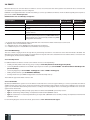
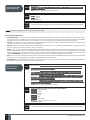
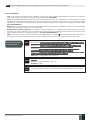
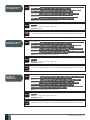
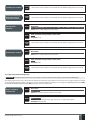
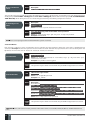
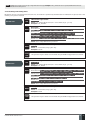
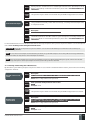
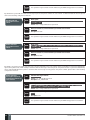
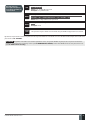
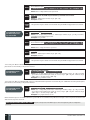
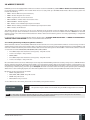
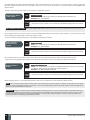
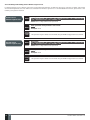
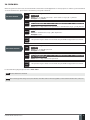
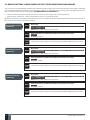
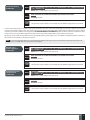
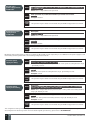
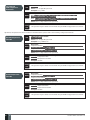
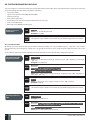
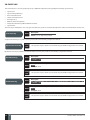
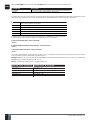
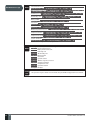
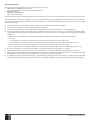
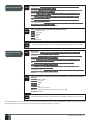
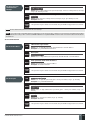
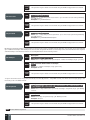
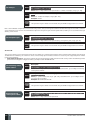
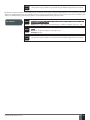
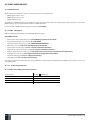
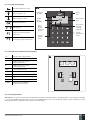
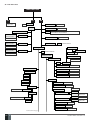
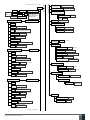
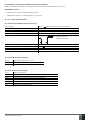
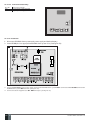
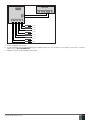
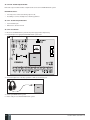
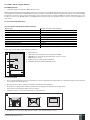
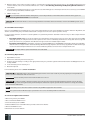
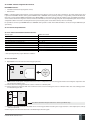
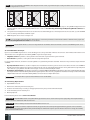
8.USER PHONE NUMBERS The system supports up to 5 user phone numbers identified as User 1 through 5. When the phone number is set, the user will be able to arm/disarm the system by SMS text messages and free of charge phone calls (see 12.1. Free of Charge Phone Call and 12.2. SMS Text Message) as well as to configure the system by SMS text messages. User phone numbers are also used to receive alarm phone calls and SMS text messages from the system (see 17. ALARM INDICATIONS AND NOTIFICATIONS). By default, the system ignores any incoming calls and SMS text messages from a non-preset phone number as well as it rejects the SMS text messages containing wrong SMS password even from a preset user phone number (see 8.2. System Control from any Phone Number). To set User 1 phone number is mandatory, while the other 4 are optional. The supported phone number format is the following: • International (w/o plus) – The phone numbers must be entered starting with an international country code in the following format: [international code][area code][local number], example for UK: 4417091111111. Set user phone number SMS EKB2 EKB3 Config Tool View user phone number 30 EN SMS text message content: ssss_NRup:ttteeellnnuumm Value: ssss – 4-digit SMS password; up – user phone number slot, range – [1... 5]; ttteeelln nuumm – up to 15 digits user phone number. Example: 1111_NR1:4417091111111 Menu path: OK → CONFIGURATION → OK → aaaa → OK → PRIMARY SETTINGS → OK → CALL/SMS SETTINGS → OK → USERS → OK → USER 1... 5 → OK → PHONE NUMBER → OK → ttteeellnnuumm → OK Value: aaaa – 4-digit administrator password; ttteeellnnuumm – up to 15 digits user phone number. Enter parameter 17, user phone number slot & phone number: 17 up ttteeellnnuumm # Value: up – user phone number slot, range – [01... 05]; ttteeellnnuumm – up to 15 digits user phone number. Example: 17014417091111111# This operation may be carried out from the PC using the ELDES Configuration Tool software. SMS SMS text message content: ssss_HELPNR Value: ssss – 4-digit SMS password. Example: 1111_HELPNR EKB2 Menu path: OK → CONFIGURATION → OK → aaaa → OK → PRIMARY SETTINGS → OK → CALL/SMS SETTINGS → OK → USERS → OK → USER 1... 5 → OK → PHONE NUMBER → PHONE NUMBER Value: aaaa – 4-digit administrator password. Config Tool This operation may be carried out from the PC using the ELDES Configuration Tool software. MANUAL ELDES ESIM264 V3.0