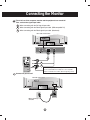
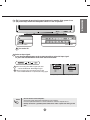
1
Using the Remote Control
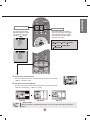
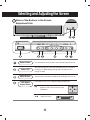
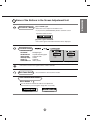
Name of the Remote Controller Buttons
Power On/Off Button
Mute button
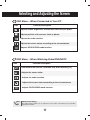
• Input Select Button
• AV Button
(See next page)
BRT.W
• Menu Button
• Exit Button
Volume
Button
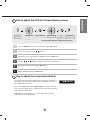
Sleep Button
When watching AV/DVD/HDTV
- The monitor will be automatically turned
off after a certain period of time.
Press this button repetitively to select an
appropriate time duration
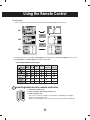
PSM Button
When watching AV/DVD/HDTV
- Automatically adjusts the image.
Press this button repetitively to set
the intended screen. (See A27)
Check Button
Auto Button
PC: Automatic adjustment function
(Operational for the analog signal only)
There is not a function
which is supported
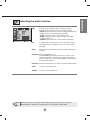
Sound Mode Select
Select the sound mode
: MONO/STEREO
*
Video Operation Button
Applicable for LG products only
A5
is not a function
* There
which is supported