1
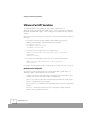
Using Sample Perl Scripts
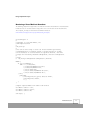
Answering Questions Posed by a Virtual Machine
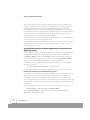
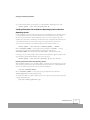
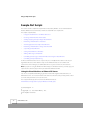
You can use this script to answer a question posed by a virtual machine in a stuck state; that is, one
that is waiting for user acknowledgment before it can complete an operation such as suspending or
resuming the virtual machine. The script allows the question to be answered at the command line,
saving you the effort of connecting to the virtual machine from a console or the VMware
Management Interface in order to answer the question.
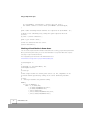
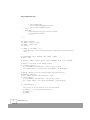
This script (answer_question.pl) can be found on the VMware Web site at
www.vmware.com/support/developer/perl-API/doc/answer_question.pl.txt.
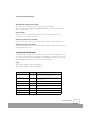
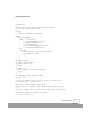
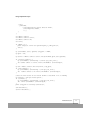
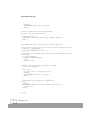
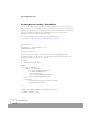
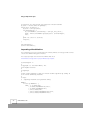
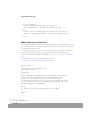
#!/usr/bin/perl -w
#
# Copyright (C) 1999-2002 VMware, Inc.
# All Rights Reserved
#
# answer_question.pl
#
# You can use this script to check if the virtual machine specified by
# config is stuck. If it's stuck, you can answer any question posed by this
# virtual machine to allow it to continue.
#
# usage:
#
answer_question.pl config
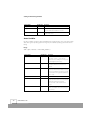
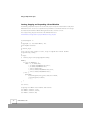
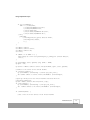
BEGIN {
if ($^O eq "MSWin32") {
@INC = ("./5.00503/lib",
"./5.00503/lib/MSWin32-x86/auto",
"./5.00503/lib/MSWin32-x86",
"./site/5.00503/lib",
"./site/5.00503/lib/MSWin32-x86/auto",
"./site/5.00503/lib/MSWin32-x86");
} else {
push(@INC,
("/usr/lib/perl5/site_perl/5.005/i386-linux",
"/usr/lib/perl5/5.00503",
"."));
}
}
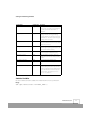
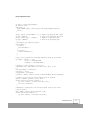
# Import the required VMware Perl modules and version.
use VMware::Control '1.00';
use VMware::Control::Server;
44
www.vmware.com