1
16 Configuring the network settings [Network]
16 Configuring the network settings [Network]
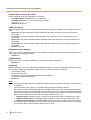
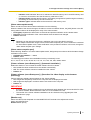
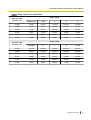
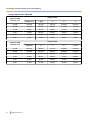
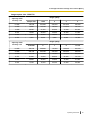
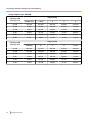
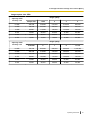
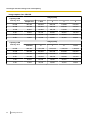
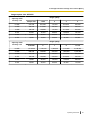
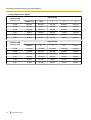
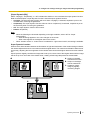
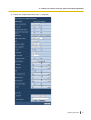
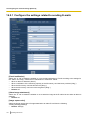
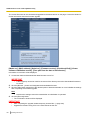
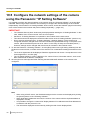
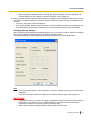
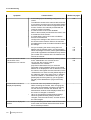
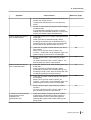
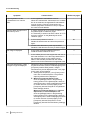
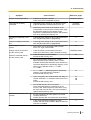
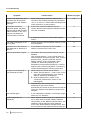
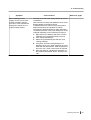
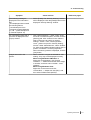
The network settings can be configured on the “Network” page.
The “Network” page has the [Network] tab and the [Advanced] tab.
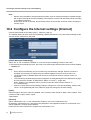
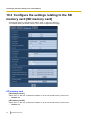
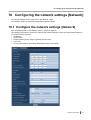
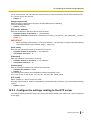
16.1 Configure the network settings [Network]
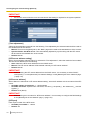
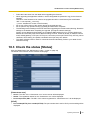
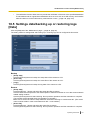
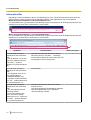
Click the [Network] tab on the “Network” page. (®page 40, page 42)
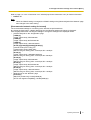
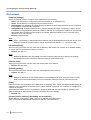
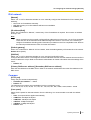
The following information is required to configure the network settings. Contact the network administrator or
your Internet service provider.
• IP address
• Subnet mask
• Default gateway (when using the gateway server/router)
• HTTP port
• Primary DNS address, Secondary DNS address (when using DNS)
Operating Instructions
143