1
10 System Configuration
The configuration section of the appliance web interface provides the means to
modify system parameters to meet your deployment requirements.
Note:
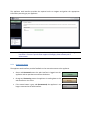
For all configuration sections detailed below, saving a set of parameter changes is done via
the Save button located at the bottom of the configuration page. Unsaved parameter
changes can be cancelled using the Cancel button located beside the Save button.
Cancelling parameter changes will cause these parameters to revert back to their original
value.
10.1 System
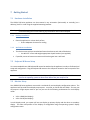
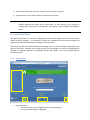
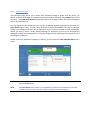
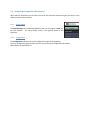
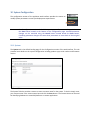
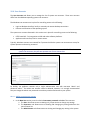
The System tab is the default landing page for the Configuration section of the web interface. This tab
provides basic details on the system configuration including product type, serial number and firmware
version.
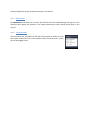
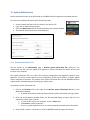
The System Tab also provides a means to create a custom name for the system. To do this simply enter
your custom name in the custom name box and click the Save button. The Custom Name can be used
for identifying hardware in some VMS platforms or custom applications.