1
10.2 Date / Time
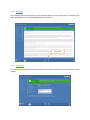
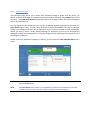
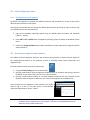
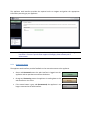
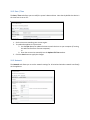
The Date / Time tab allows you to modify the system’s date and time. Note that by default the device is
the time zone is set to UTC.
1. Set the time zone matching your current region.
2. To update the appliance’s system time:
a. Use the Sync button to update the time to match the time on your computer (if running
the web interface from a remote computer).
or
b. Enter the correct time manually into the Update UTC Time textbox.
3. Click the Save button to apply the changes.
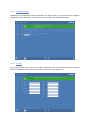
10.3 Network
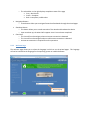
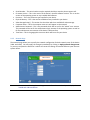
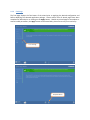
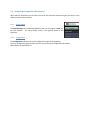
The Network tab allows you to set the network settings for all wired and wireless network interface(s)
on the appliance.