1
466
MDaemon Messaging Server 14.0
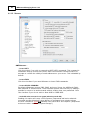
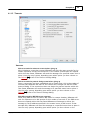
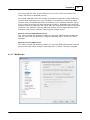
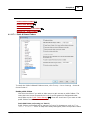
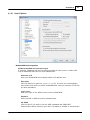
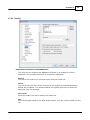
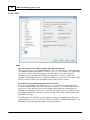
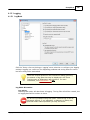
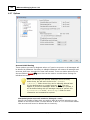
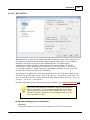
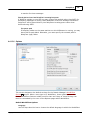
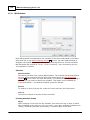
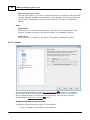
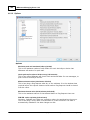
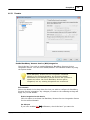
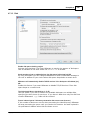
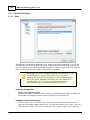
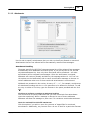
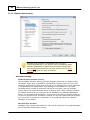
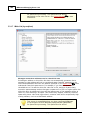
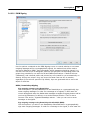
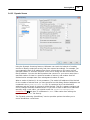
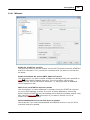
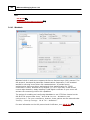
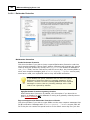
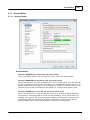
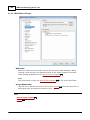
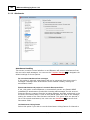
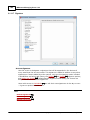
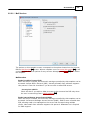
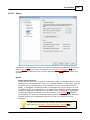
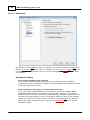
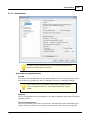
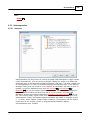
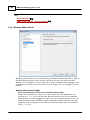
IP Shield honors aliases
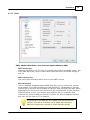
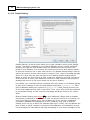
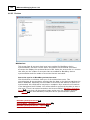
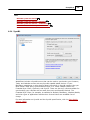
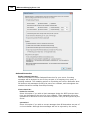
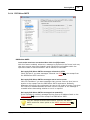
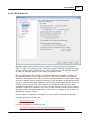
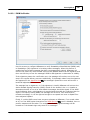
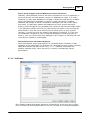
By default the IP Shield 312 will honor aliases when checking incoming messages for
valid domain/IP pairs. The IP Shield will translate an alias to the true account to
which it points and thus honor it if it passes the shield. If you clear this checkbox
then the IP Shield will treat each alias as if it is an address independent of the
account that it represents. Thus, if an alias' IP address violates an IP Shield then
the message will be refused. This option is mirrored on the IP Shield screen —
changing the setting here will be change it there as well.
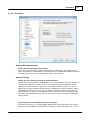
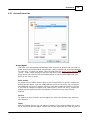
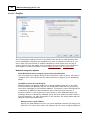
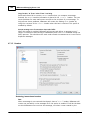
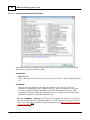
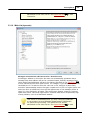
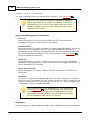
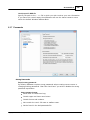
Replicate aliases to LDAP address book
Click this check box if you want aliases to be replicated to the LDAP address book.
Alias replication is necessary for the LDAP remote verification feature to work
reliably, but if you are not using that feature then replicating aliases to the LDAP
address book is unnecessary. If you are not using remote verification then you can
safely disable this feature to save processing time. For more information on remote
LDAP verification see LDAP 102 .
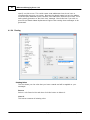
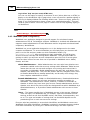
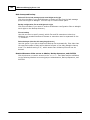
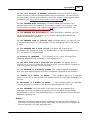
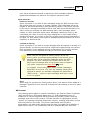
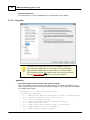
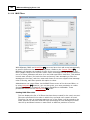
Aliases processing stops when result matches an existing account or list
When this option is enabled, alias processing will stop when the recipient of the
incoming message matches an existing account or mailing list. This typically applies
to aliases that include a wildcard. For example, if you have an alias set to,
"*@[email protected]," then this option will cause that alias to be
applied only to addresses that do not actually exist on your server. So, if you also
have the account, "[email protected]," then messages addressed to user2 would
still be delivered to him because the alias wouldn't be applied to those messages.
But messages addressed to some non-existent account or list would be sent to
"[email protected]" because the wildcard alias would be applied to those
messages. This option is enabled by default.
This option must be enabled when you are using Subaddressing
427 , to avoid potential problems with handling those messages.
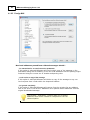
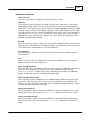
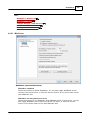
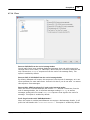
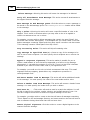
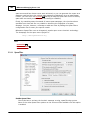
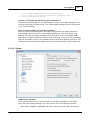
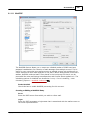
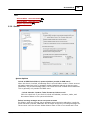
Use recursive aliasing
Click this check box if you want to process aliases recursively. Any alias match
causes the resulting value to be reprocessed back through the entire alias list—it is
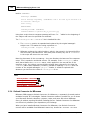
possible to nest aliases up to 10 levels deep. For example, you could set up
something like this:
[email protected] = [email protected]
[email protected] = [email protected]
[email protected] = [email protected]
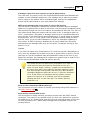
This is logically identical to the single alias:
[email protected] = user9example.org
It also means that:
[email protected] = user9example.org
Copyright © 1996-2014. All rights reserved. Alt-N Technologies, Ltd.