1
novdocx (en) 26 August 2007
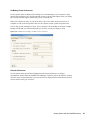
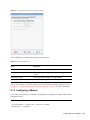
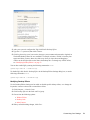
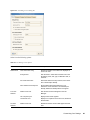
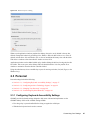
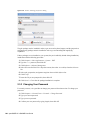
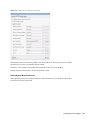
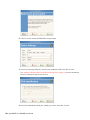
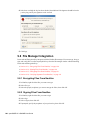
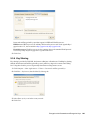
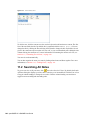
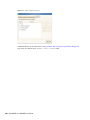
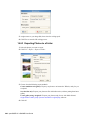
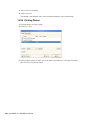
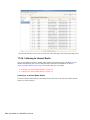
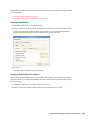
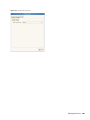
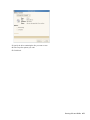
2 If you have already registered with Last.fm (http://www.last.fm/), click Enable song reporting,
then specify your Last.fm username and password.
If you have not previously registered with Last.fm, click Create an account. This opens the
Last.fm Web site, where you can register. Click Enable song reporting, then specify your
Last.fm username and password.
3 Click Close.
Banshee starts reporting with the next song you play.
After Audioscrobbler is configured, use the options on the Tools > Audioscrobbler menu to
enable or disable song reporting, visit your user profile Web page, or visit the Web site of any
Audioscrobbler groups you belong to.
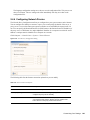
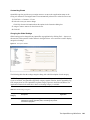
17.7 Configuring Banshee Preferences
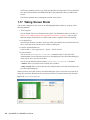
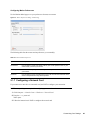
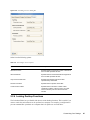
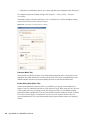
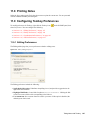
1 Click Edit > Preferences.
Playing and Managing Your Music with Banshee 261